Data pipelines for small businesses: ETL without the enterprise overhead
ETL and ELT in plain language. How to bring GA4, ad platforms, your CRM, store and payments into BigQuery or PostgreSQL, what upkeep really costs, and the mistakes to avoid.
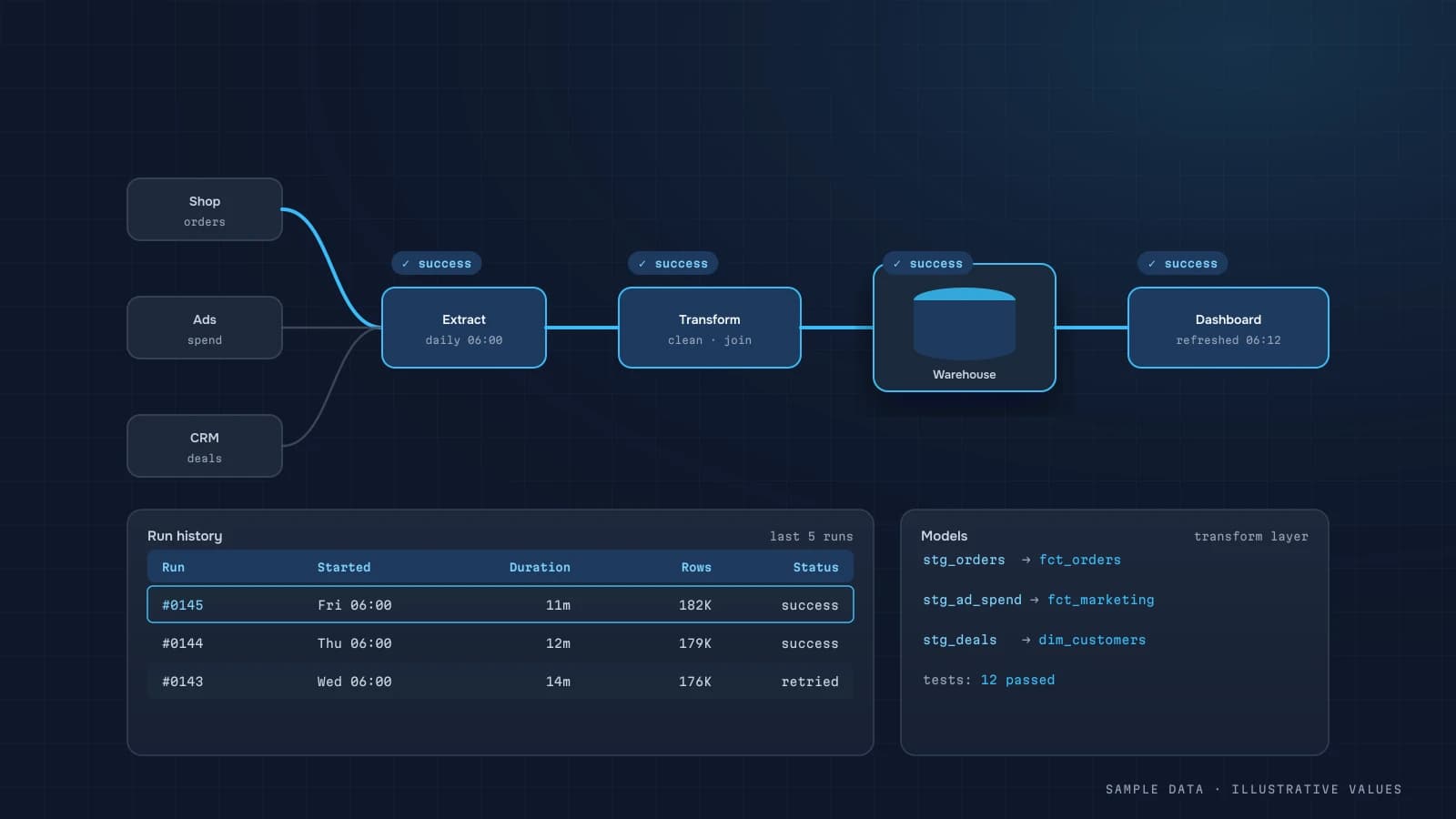
A small company's data usually lives in five to ten places: the CRM, the ad platforms, GA4, the store admin, the payment provider and a few spreadsheets. To see the full picture, someone stitches it together by hand every Monday. A data pipeline does that job automatically, every night, the same way each time, with no copy-paste errors.
ETL vs ELT in plain language
- Extract: pull data from a source (API, database, file).
- Transform: clean it, standardise it, join it.
- Load: write it into a warehouse.
Classic ETL transforms before loading. These days ELT is more common: load raw data into the warehouse first, then transform it with SQL inside the warehouse. ELT is easier to debug, and when a metric definition changes you can recompute history.
A typical small-business architecture
| Layer | Technology | Contents |
|---|---|---|
| Sources | GA4, Google Ads, Meta Ads, HubSpot/Pipedrive, Shopify/WooCommerce, Stripe, Sheets | as-is |
| Ingestion | scheduled Python jobs or off-the-shelf connectors | incremental, nightly |
| Warehouse | BigQuery (if you already export GA4) or PostgreSQL | raw raw_* tables |
| Models | SQL transformations | orders, customers, ad_spend, sessions |
| Marts | aggregates | daily_kpi, channel_perf, cohorts |
| Consumers | dashboard, chat reports, AI assistant |
BigQuery or PostgreSQL?
| BigQuery | PostgreSQL | |
|---|---|---|
| When | GA4 export already exists, large event volumes | mostly CRM/store data, moderate volume |
| Billing | storage + bytes scanned (pricing) | the server |
| Admin | almost none | backups, upgrades |
| Data location | Google Cloud, region of your choice | your server or cloud |
I often use both: GA4 stays in BigQuery, while business data and the dashboard's marts live in PostgreSQL on the client's server.
Notes on each source
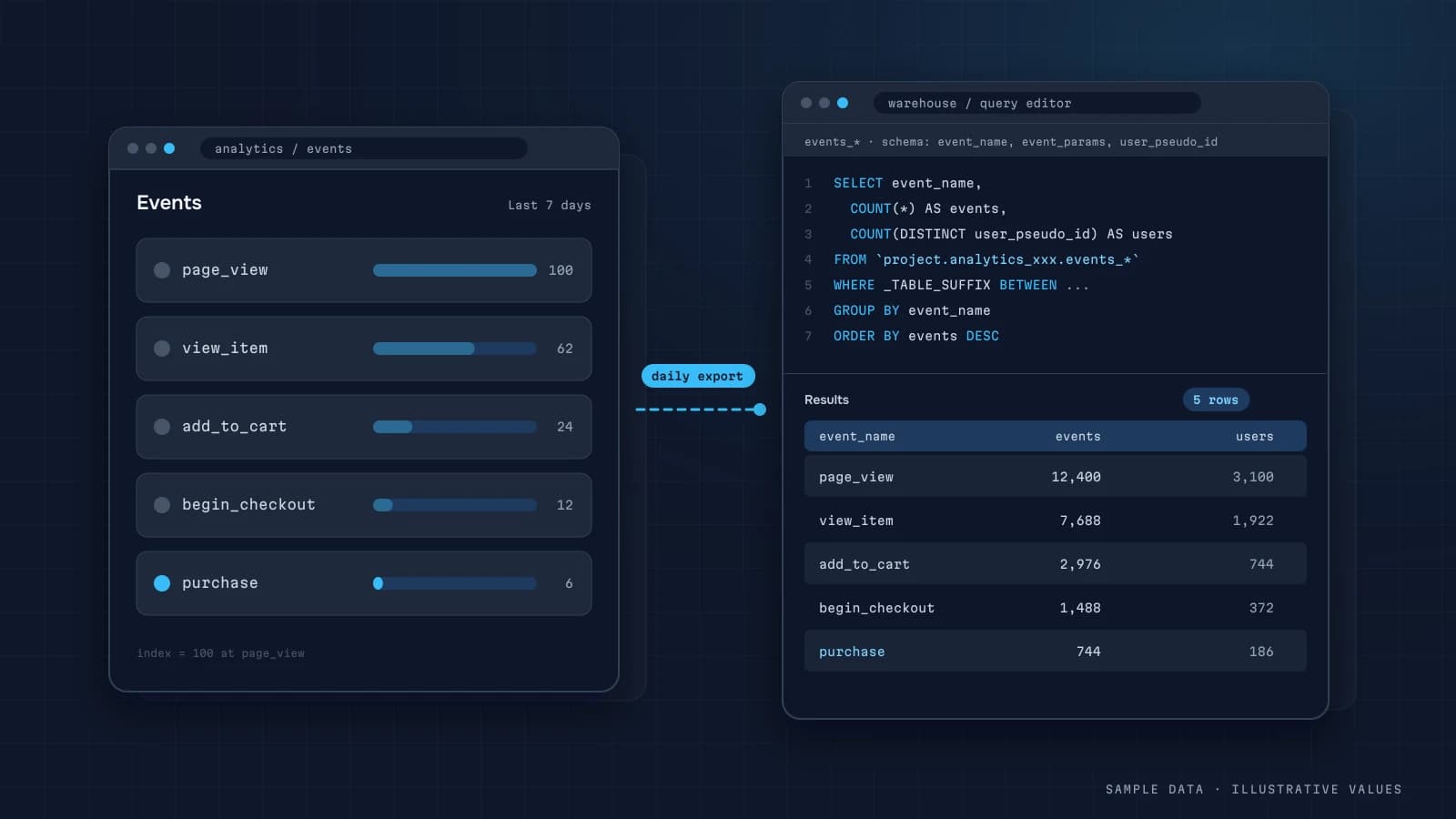
GA4: use the native BigQuery export rather than the reporting API. It has no quotas and no sampling.
Google Ads / Meta Ads: the APIs return spend, impressions, clicks and platform conversions per campaign/ad per day. Reload a 7–30 day window on every run, because platforms update conversions retroactively.
CRM (HubSpot, Pipedrive, Salesforce): the source of truth for leads and deals. Pull status changes (paid, refunded, lost), not just new records, or your revenue will drift.
Store platforms (Shopify, WooCommerce): orders, products, inventory. Check which fields your plan's API actually exposes.
Payments (Stripe, PayPal): actual amounts, fees and refunds. Stripe's balance transactions are the cleanest source of fees.
Google Sheets: targets, COGS, manual lookups. Convenient, but validate them, because one stray comma can break a report.
Principles of a reliable pipeline
- Incremental loads with a lookback window. Load the last N days of changes, not everything every time.
- Idempotency. Re-running a day never creates duplicates (upsert by key).
- Keep raw data separate. Never transform in place, and always keep the original.
- Quality checks. Empty days, sudden row-count drops, duplicate IDs, negative amounts.
- Alerts. If a load fails, you hear about it in chat the next morning, not from the CEO a week later.
- Keys stay on the server. Least-privilege, read-only access.
- Metric docs live next to the code.
Example quality check (SQL)
-- a day with no orders or a sharp drop usually means a broken load
WITH d AS (
  SELECT order_date, COUNT(*) AS n
  FROM orders
  WHERE order_date >= CURRENT_DATE - INTERVAL '35 day'
  GROUP BY 1
)
SELECT order_date, n,
       AVG(n) OVER (ORDER BY order_date ROWS BETWEEN 28 PRECEDING AND 1 PRECEDING) AS avg28
FROM d
WHERE n < 0.4 * AVG(n) OVER (ORDER BY order_date ROWS BETWEEN 28 PRECEDING AND 1 PRECEDING);Managed connectors or your own code?
| Managed ELT services | Custom scripts | |
|---|---|---|
| Time to start | fast | slower |
| Cost | subscription, often by row volume | server + developer time |
| Niche/local sources | often no connector | any API |
| Flexibility | limited | full |
| Dependency | on the vendor | on whoever maintains the code |
A pragmatic mix works well: native GA4 export, managed connectors for mainstream sources, and small Python loaders for anything niche.
What upkeep really costs
Beyond infrastructure, most of the cost is change in the sources. APIs get new versions, someone adds CRM fields, marketing changes its UTMs. Budget a few hours a month for maintenance. Without it, pipelines break silently.
What the business gets
- Fresh numbers every morning, with nobody stitching spreadsheets.
- One version of the truth instead of "my spreadsheet says otherwise."
- The ability to track unit economics and cohorts.
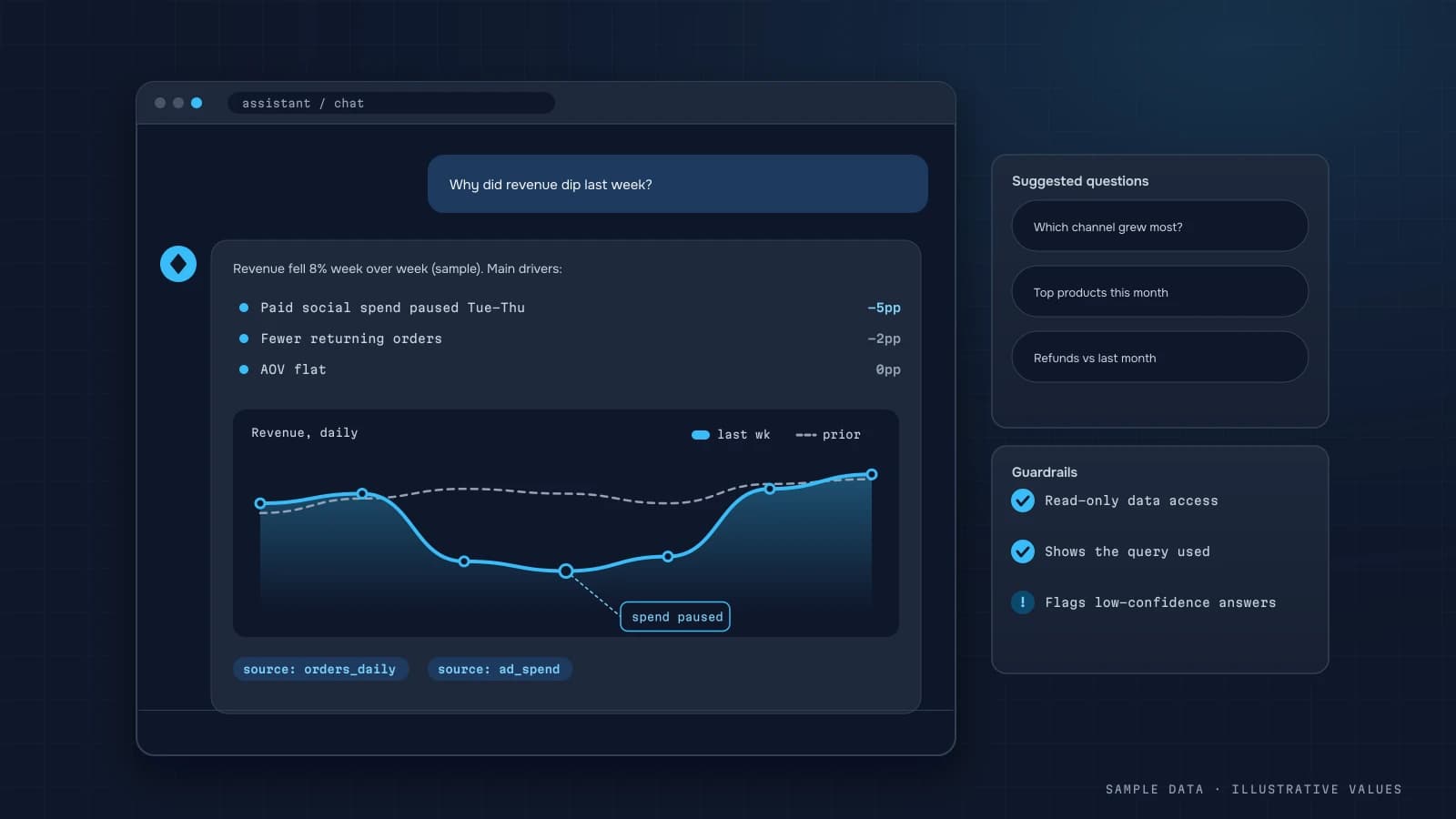
- Automated chat reports and an AI assistant that answers questions about your data.
Launch checklist
- A list of sources, access owners and key fields
- Warehouse and region chosen
- Raw layer kept separate from models
- Incremental loads with a lookback window
- Upserts by key, no duplicates
- Quality checks and failure alerts
- Secrets stored in server environment variables
- Metric dictionary and schema documented
Step by step: one source, done properly
Here is the full path for a single source, an orders API from a shop platform, because every other source follows the same pattern.
1. Extract incrementally. Don't download all orders every night. Ask for orders updated since the last successful run, minus a safety overlap:
import datetime as dt, time, requests

def fetch_orders(api, since: dt.datetime):
    page, out = 1, []
    while True:
        r = requests.get(f"{api.base}/orders",
                         params={"updated_after": since.isoformat(), "page": page, "per_page": 100},
                         headers={"Authorization": f"Bearer {api.token}"}, timeout=30)
        if r.status_code == 429:                 # rate limited: wait and retry
            time.sleep(int(r.headers.get("Retry-After", 10))); continue
        r.raise_for_status()
        batch = r.json()
        if not batch: break
        out.extend(batch); page += 1
    return out

# overlap of 2 days catches late updates (status changes, refunds)
since = last_success_at - dt.timedelta(days=2)
Use updated, not created, because an order created last week can be refunded today. The overlap makes re-reading a few hundred rows a fair price for not missing changes.
2. Land raw data unchanged. Save the JSON as-is into a raw table with a load timestamp. When the API changes or a transformation has a bug, you can rebuild from raw without calling the API again.
3. Upsert into a clean table. Merge by the natural key so re-runs never duplicate:
MERGE clean.orders t
USING (
  SELECT id AS order_id, status, CAST(total AS NUMERIC) AS total,
         TIMESTAMP(updated_at) AS updated_at
  FROM raw.orders_latest
  QUALIFY ROW_NUMBER() OVER (PARTITION BY id ORDER BY updated_at DESC) = 1
) s
ON t.order_id = s.order_id
WHEN MATCHED AND s.updated_at > t.updated_at THEN
  UPDATE SET status = s.status, total = s.total, updated_at = s.updated_at
WHEN NOT MATCHED THEN
  INSERT (order_id, status, total, updated_at) VALUES (s.order_id, s.status, s.total, s.updated_at);
The QUALIFY keeps only the newest version of each order inside the batch. The updated_at comparison keeps an older, re-read row from overwriting a newer one.
4. Build marts from clean tables. Daily summaries, channel tables and cohort tables are rebuilt from clean.* for a rolling window (for example the last 7 days) every run.
5. Check and alert. After each run, verify row counts and freshness, and send a message when something is off (see below).
Monitoring: the checks that catch real problems
| Check | Catches | Example rule |
|---|---|---|
| Freshness | stuck jobs, expired tokens | latest updated_at in clean.orders is under 26 hours old |
| Volume | partial loads, API changes | yesterday's orders are within 50–150% of the 4-week same-weekday average |
| Uniqueness | duplicate loads | order_id is unique in clean.orders |
| Reconciliation | logic bugs | yesterday's paid revenue matches the payment provider within 1–2% |
| Schema | silent API changes | expected columns exist and aren't 100% null |
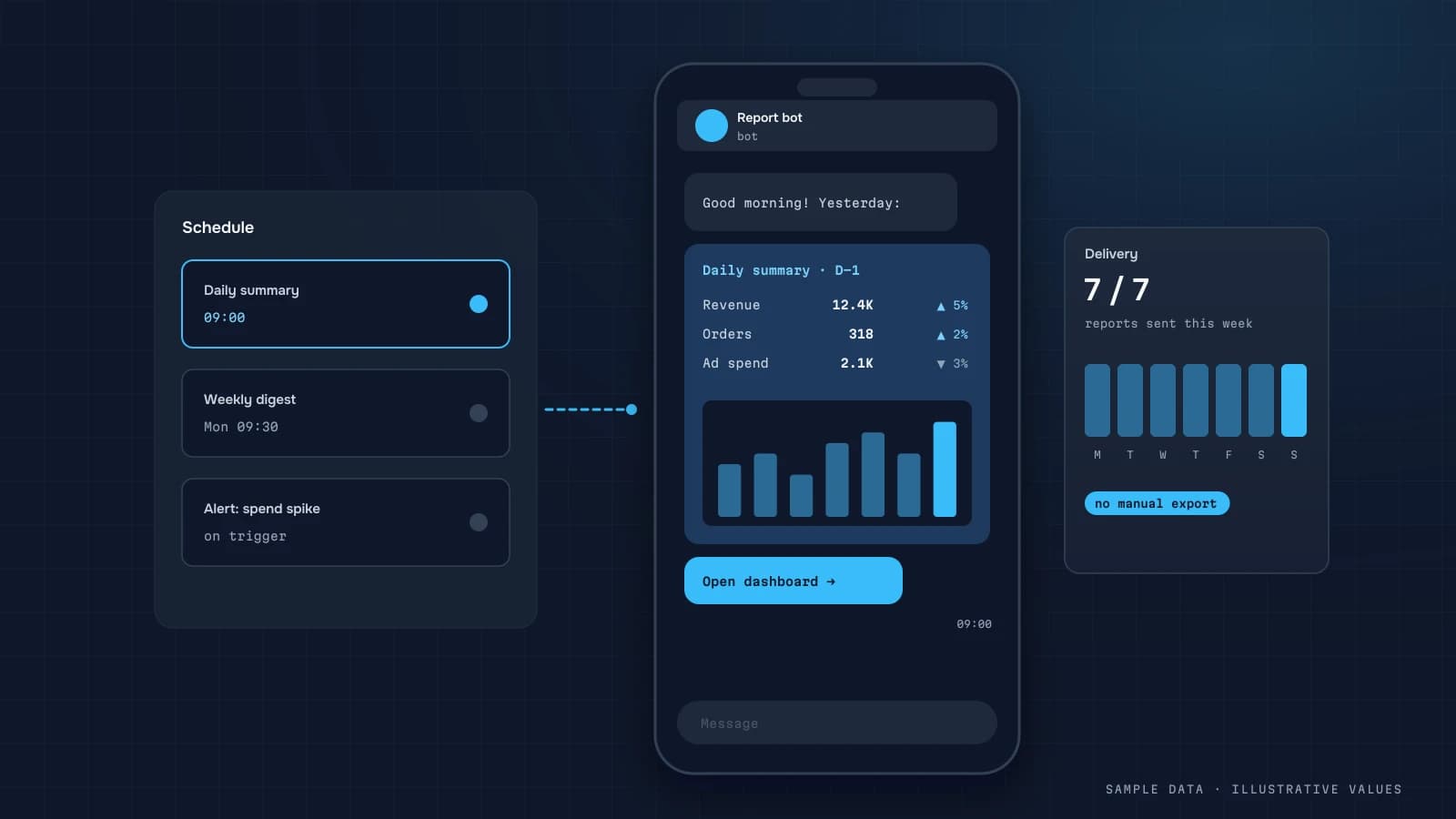
Send failures to a channel someone reads, such as Telegram or email, with the check name, the value and a link to the log. A pipeline that fails silently is worse than no pipeline, because people keep trusting the numbers. Alerts can share the same bot as your Telegram auto-reports.
Handling the usual surprises
- Expired tokens. Ad platform tokens expire or get revoked when someone leaves. Store the token owner and expiry date, and alert a week before.
- Schema changes. APIs add, rename or deprecate fields. Landing raw JSON (step 2) turns most of these into a transformation fix, not lost data.
- Time zones. Ad platforms report in the account's time zone, shops often in UTC. Convert everything to one business time zone in the clean layer and write it in the definitions.
- Currency. Store the original currency and amount, plus the converted amount with the rate and rate date used.
- Backfills. When you add a new metric, you'll want history. Design every job to accept a date range so a backfill is a parameter, not a new script.
A sample schedule (illustrative)
| Time (business TZ) | Job |
|---|---|
| 02:00 | ad platforms: spend for the last 3 days (platforms restate recent days) |
| 02:30 | shop/CRM: orders updated since last run − 2 days |
| 03:00 | payments: transactions and refunds |
| 04:00 | GA4 BigQuery export → session tables (after the daily table lands; re-run at 10:00 if late) |
| 05:00 | marts: daily summary, channels, cohorts |
| 05:30 | checks; alert on failure |
| 07:00 | morning report |
Ordering matters: marts run only after every source is loaded, and the morning report runs only if the checks passed. If they didn't, the report says "data delayed" instead of sending wrong numbers.
Documentation that keeps it maintainable
A pipeline built by one person becomes a liability once that person is busy or gone. A short, living document keeps it maintainable. Mine always has the same sections:
| Section | What goes in |
|---|---|
| Sources | each system, what's loaded, how (API, export, webhook), and the account/token owner |
| Schedule | job order, timings, expected duration |
| Tables | raw → clean → mart, one line per table on what it holds and its key |
| Metric definitions | link to the glossary used by dashboards |
| Checks | each check, its threshold, who gets alerted |
| Runbook | what to do when a check fails: likely causes and how to re-run a date range |
| Change log | date, what changed, why |
The runbook pays for itself the first time something breaks at 7 a.m. "Token expired: reconnect in the ad account, then run load_ads --from 2026-10-10 --to 2026-10-12" is the difference between a 10-minute fix and a lost morning.
Agreements with the people who enter data
Many pipeline problems start upstream, in how people use the CRM or shop admin. A few explicit agreements prevent most of them:
- Order statuses mean one thing. If "completed" sometimes means paid and sometimes shipped, revenue reports will drift. Write down which status means money received.
- Test orders are marked. A tag, a test customer or a zero-cost payment method, anything the pipeline can filter on.
- Manual discounts and refunds go through the system, not as side transfers, or margin reports will never reconcile.
- New campaigns follow the UTM convention, or they show up as "unknown" in channel reports.
These cost nothing to agree on and save hours of investigation later. I usually put them on one page and review them with the team when the pipeline goes live.
FAQ
How long does it take to build?
For 4–6 typical sources, usually 1–3 weeks, depending on data quality and how quickly access is granted. Reconciling numbers takes longer than writing code.
Can we skip the warehouse and connect BI straight to the sources?
For one or two sources, yes. Once you need to join the CRM with ads and GA4, skipping the warehouse makes reports slow and calculations inconsistent.
Where does the data live?
In your infrastructure or your cloud account. The data and the code stay yours, and I work with least-privilege access.
How often does it refresh?
Usually nightly. Ads and orders can go hourly. Anything more frequent is rarely needed and adds cost.

DATUMPANEL — Business data analytics
DATUMPANEL is an independent data analyst based in Ukraine. I build dashboards for business owners, set up GA4 and the BigQuery export, and run data pipelines and Telegram auto-reports for e-commerce, service businesses, SaaS and agencies, from data audit to decisions.