An AI assistant for business data: asking your dashboard in plain words
How an AI assistant over your data works (text-to-SQL, a semantic layer, access limits), where it helps, where it gets things wrong, and how to roll it out safely without leaking data.
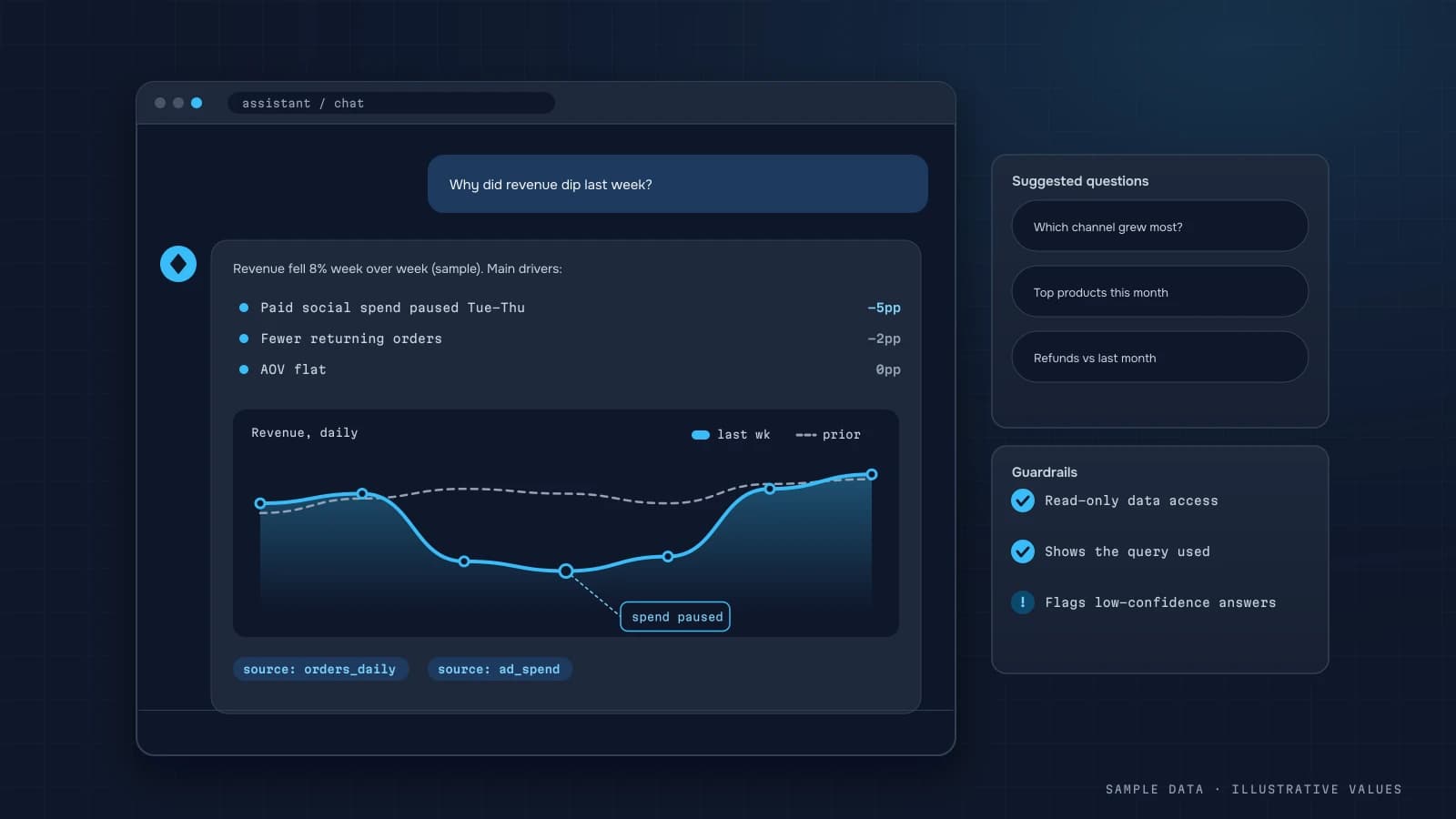
"How much did repeat customers bring in during September?" A business owner wants to ask that in plain words, not hunt for the right filter. Language models can already turn questions like this into data queries. Getting from a demo to a tool people rely on, though, takes a few important decisions.
How it works
- The user asks a question in natural language.
- The model gets a description of the data: tables, fields and metric definitions.
- The model generates SQL (or a semantic-layer API call).
- The query runs with the user's permissions, so it only sees data they're allowed to see.
- The result comes back as a table or chart with a short explanation, plus the query itself so it can be checked.
The semantic layer matters most
The most common mistake is handing the model raw tables and hoping it works out what "revenue" means. It will work it out, but its own way. The fix is metrics defined in advance:
| Metric | Definition | Source |
|---|---|---|
| Revenue | paid orders minus refunds | orders, refunds |
| New customer | first paid order in the period | orders |
| CAC | ad spend / new customers | ad_spend, orders |
| Contribution margin | revenue − COGS − variable costs | see article |
When the model picks a metric from this list rather than inventing a formula, its answers match the dashboard. It's the same single source of truth your regular reports rely on.
Where it helps
- Quick one-off questions that don't justify building a report.
- Explaining changes. For "why did revenue drop last week?", it breaks the change down by channel, category, and new vs repeat customers.
- Access for non-technical people without BI training.
- Draft queries for analysts.
Where it goes wrong
- Ambiguous questions. Does "sales" mean count or amount? With tax or without? The assistant should ask, not guess.
- Tricky time logic such as cohorts, rolling windows and same-weekday comparisons.
- Missing data. The model may answer confidently even when the field doesn't exist, which is why showing the SQL and the data is mandatory.
- Causation. It sees correlations, but it doesn't know you changed prices.
Data security
| Risk | Safeguard |
|---|---|
| Seeing others' data | queries run as the user, row-level security |
| Modifying data | a read-only database user |
| Heavy queries | time and row limits, run on a replica |
| Sending data to the AI provider | check the provider's terms on training; send the schema, not the database |
| Personal data | mask emails and phone numbers in answers |
For sensitive data, consider running the model in a controlled environment, or passing it aggregates only.
A staged rollout
- Clean up metric definitions first (analytics audit).
- Collect 30–50 real team questions with known correct answers.
- Connect the assistant read-only and compare its answers to that benchmark.
- Open it to a few users, and log questions and failures.
- Grow the semantic layer based on the questions it failed.
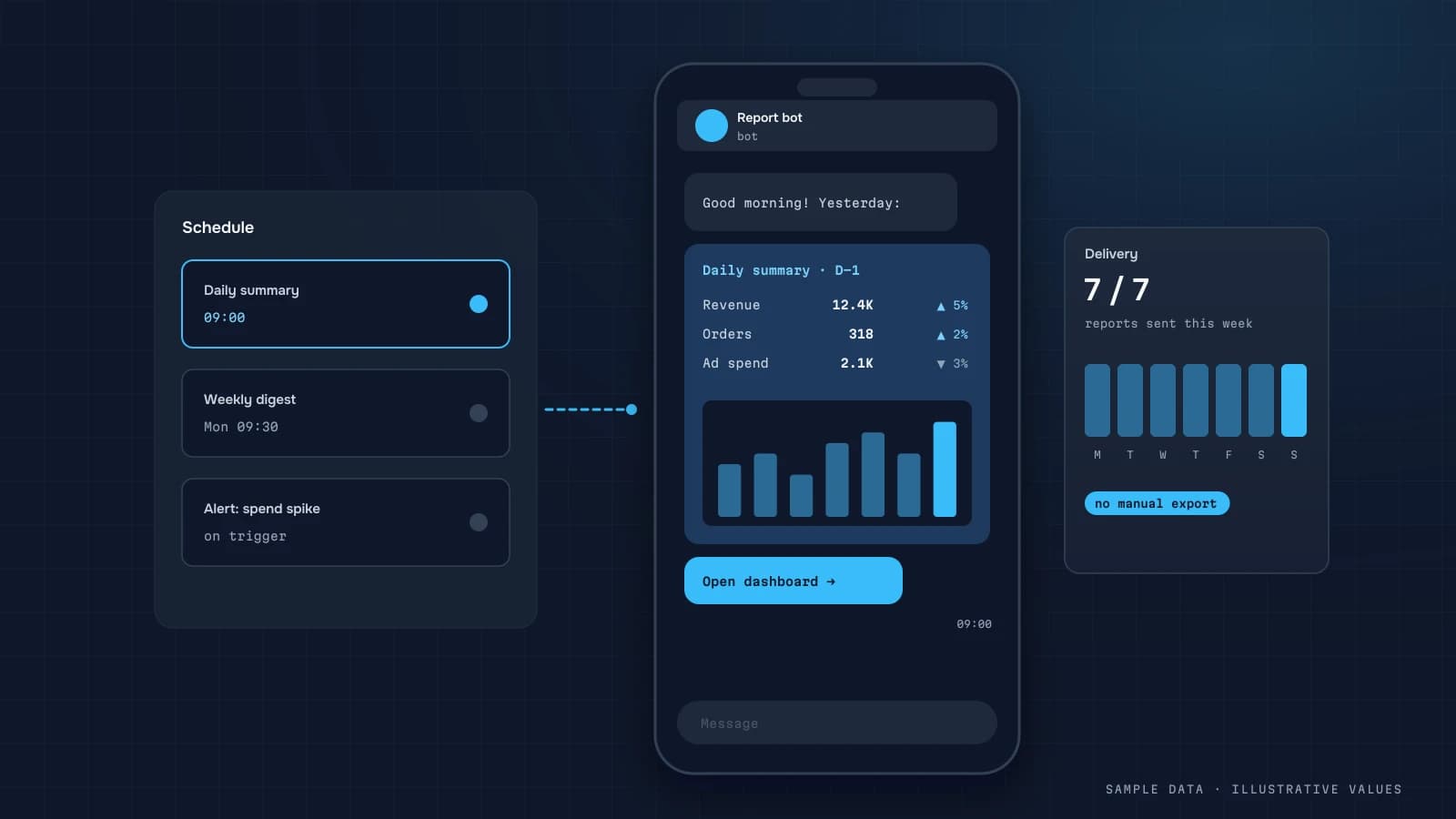
The assistant can live where the team already talks, for example in Telegram next to your automated reports.
Checklist
- Metrics defined in a semantic layer
- Read-only access and row-level security
- Answers show the query and the data
- Assistant asks about ambiguous questions
- Benchmark question set for testing
- Questions and failures are logged
- AI provider's data terms reviewed
Step by step: a minimal, safe setup
- Create a read-only database role that can see only the reporting schema (marts and views), not raw tables with personal data.
- Write the semantic context: a short document the model receives with every question, listing tables, columns, metric definitions, join keys, business time zone and fiscal calendar.
- Constrain the output. Ask the model to return a single
SELECTstatement and validate it before running: reject anything that isn't aSELECT, enforce aLIMIT, and set a query timeout. - Run the query with the user's permissions, then pass the result rows (not the database) back to the model to write a short explanation.
- Show the query, the table and the explanation to the user, with a way to flag a wrong answer.
- Log everything: question, generated SQL, runtime, row count, user feedback.
import re

ALLOWED = re.compile(r"^\s*(with|select)\b", re.I)
FORBIDDEN = re.compile(r"\b(insert|update|delete|merge|drop|alter|create|grant|truncate|copy)\b", re.I)

def safe_sql(sql: str, max_rows: int = 1000) -> str:
    sql = sql.strip().rstrip(";")
    if ";" in sql or not ALLOWED.match(sql) or FORBIDDEN.search(sql):
        raise ValueError("Only single read-only SELECT queries are allowed")
    if not re.search(r"\blimit\s+\d+\s*$", sql, re.I):
        sql += f"\nLIMIT {max_rows}"
    return sql
A regex check is a second line of defence, not the first. The read-only role and schema restrictions are what actually keep the data safe. Treat the model's SQL like input from an untrusted user.
Worked example: a good answer and a bad one
Question: "How much did repeat customers bring in September?"
A good answer uses the defined metric "repeat customer = customer whose first paid order was before the period," filters paid orders in September in the business time zone, and returns: "Repeat customers: 1,140 orders, 1.31M revenue (38% of September revenue)", plus the SQL and a table by week.
A bad answer (what you get without a semantic layer) treats "repeat" as "customers with more than one order in September", which leaves out everyone who bought once this month but had bought before. The number looks plausible and is wrong by a large margin. The fix isn't a better model. It's the one-line definition in the semantic context and a benchmark question that checks it.
Building the benchmark set
| Question type | Example | What it checks |
|---|---|---|
| Simple metric | "Revenue last week" | date logic, time zone, paid status |
| Defined segment | "Revenue from repeat customers in September" | metric definitions |
| Breakdown | "Orders by channel this month vs last" | joins, grouping |
| Ratio | "Conversion rate on mobile last 30 days" | numerator and denominator from the right sources |
| Ambiguous | "How are sales?" | asks a clarifying question instead of guessing |
| Unanswerable | "Profit by influencer" (no such data) | says the data isn't available |
Re-run the set after every change to the context or the model, and track the share of correct answers. Treat a drop as a regression, as you would with code.
Costs and latency
Each question costs a model call or two (one to write SQL, one to explain the result) plus the query itself. Keep the semantic context compact (tables and definitions, not sample data) to keep per-question cost and response time down. Cache answers to frequent questions for the current data refresh. "Revenue yesterday" asked by five people at 9 a.m. needs one computation, not five.
Writing the semantic context
The context document is the single biggest lever on answer quality. What a good one contains:
- Business rules first. "Revenue = paid orders minus refunds, excluding VAT. Business time zone: Europe/Kyiv. Weeks start on Monday."
- Each table in one line. Its grain ("one row per order"), its key and the columns that matter, with types.
- Metric definitions as SQL snippets, so the model copies them instead of inventing:
revenue = SUM(revenue_net) WHERE status = 'paid'. - Known traps. "Never sum
sessionsacross sources; usemart.daily_sessionsonly." "Customer IDs before 2024 are inlegacy_customer_id." - What isn't available. It's better for the model to answer "no profit-by-influencer data" than to improvise one.
Keep it versioned next to the warehouse code, and update it whenever a definition changes. It's the same document your analysts need anyway.
FAQ
Will an AI assistant replace the dashboard?
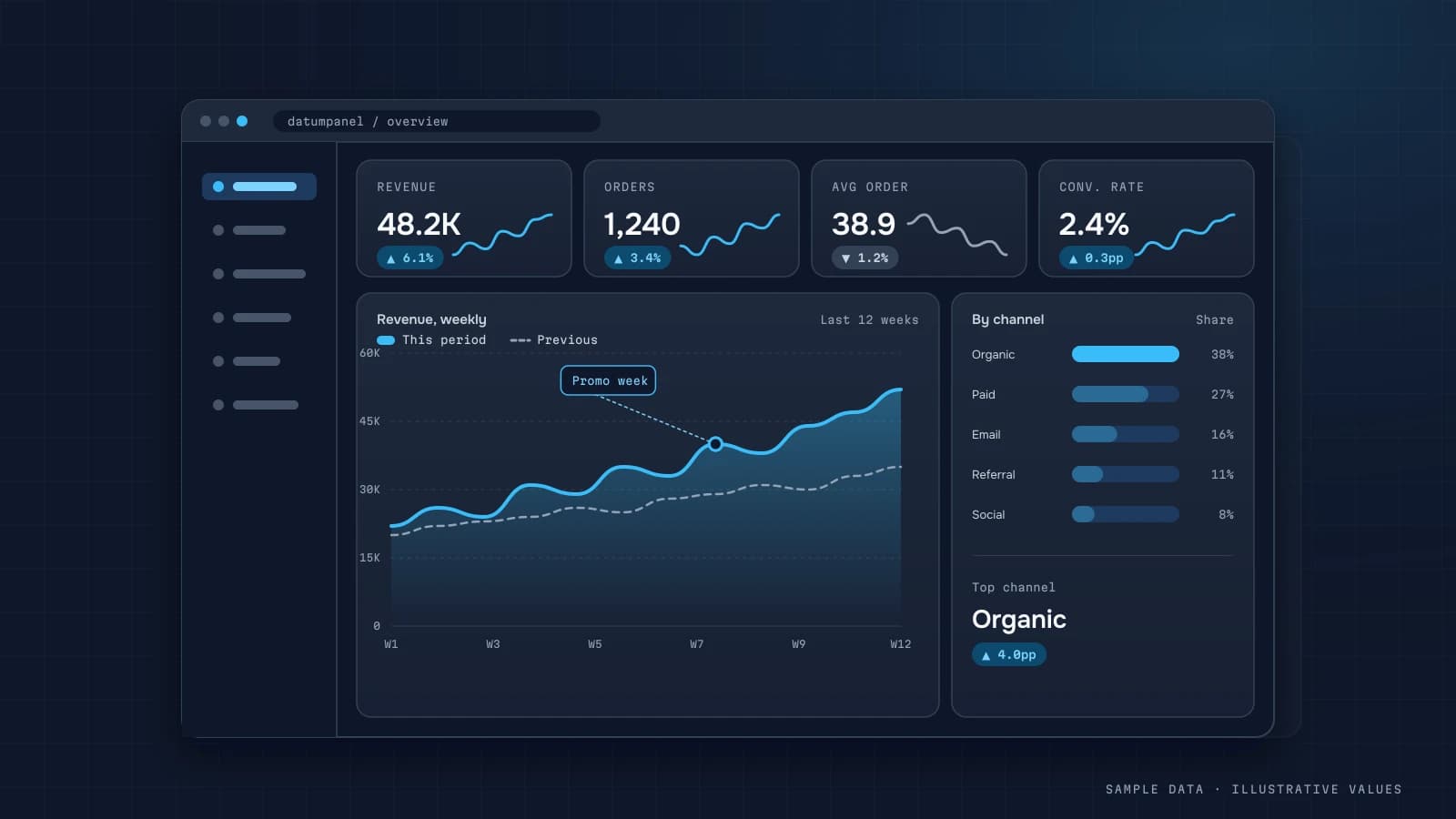
No. The dashboard shows the key metrics you need to see regularly. The assistant handles one-off questions and deeper digging.
How accurate are the answers?
It depends on the semantic layer and on how complex the question is. Simple questions about defined metrics are usually answered reliably, while complex ones need checking. That's why you test against your own question set.
Is it safe to give a model database access?
Only with limits in place: a read-only user, a restricted set of tables, query limits and masking of personal data.
Where do I start?
With clear definitions for your 10–15 key metrics. Without them, the assistant will repeat the same confusion your manual reports have.

DATUMPANEL — Business data analytics
DATUMPANEL is an independent data analyst based in Ukraine. I build dashboards for business owners, set up GA4 and the BigQuery export, and run data pipelines and Telegram auto-reports for e-commerce, service businesses, SaaS and agencies, from data audit to decisions.