Analytics audit: a 40-point checklist
A step-by-step audit of business analytics covering GA4, tags, UTMs, conversions, consent, CRM, ads, the warehouse and dashboards, with a 40-point checklist, fix priorities and a report template.
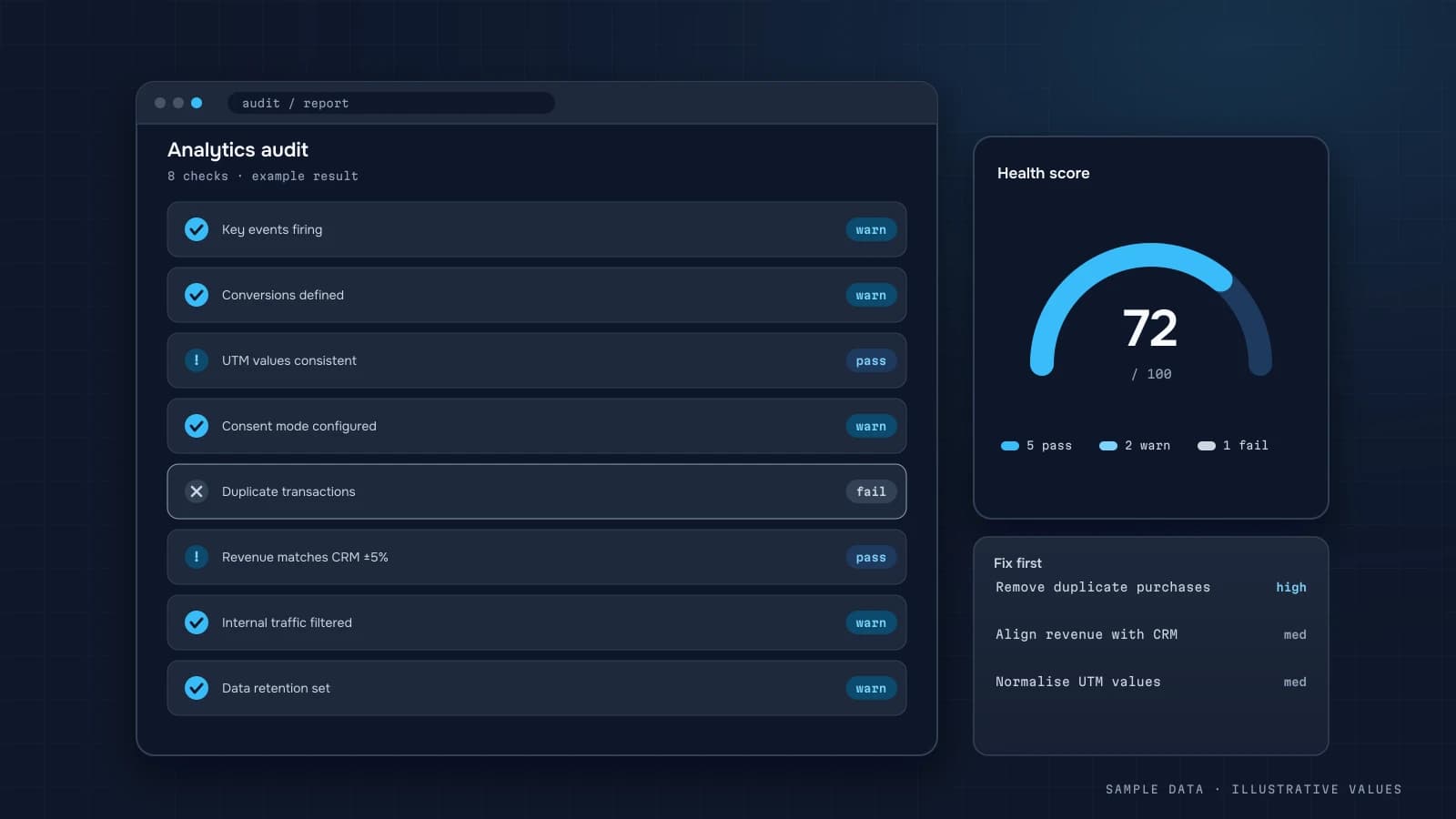
Before you build a dashboard or shift ad budgets, make sure the data is right in the first place. An analytics audit answers three questions: what's being collected, how accurate it is, and what's missing for decisions. Below is the checklist I use, grouped into blocks.
How to run it
- Gather access: GA4, GTM, ad accounts, CRM and payment provider.
- Go through the checklist and mark each item ✅ OK, ⚠️ partial or ❌ missing.
- Rate the impact and the effort to fix.
- Plan the fixes, starting with anything that distorts money.
1. GA4 basics
- Correct property time zone and currency
- Data retention set to 14 months (the default is 2)
- Internal traffic excluded
- Unwanted referrals listed (payment providers)
- Cross-domain tracking, if you run several domains
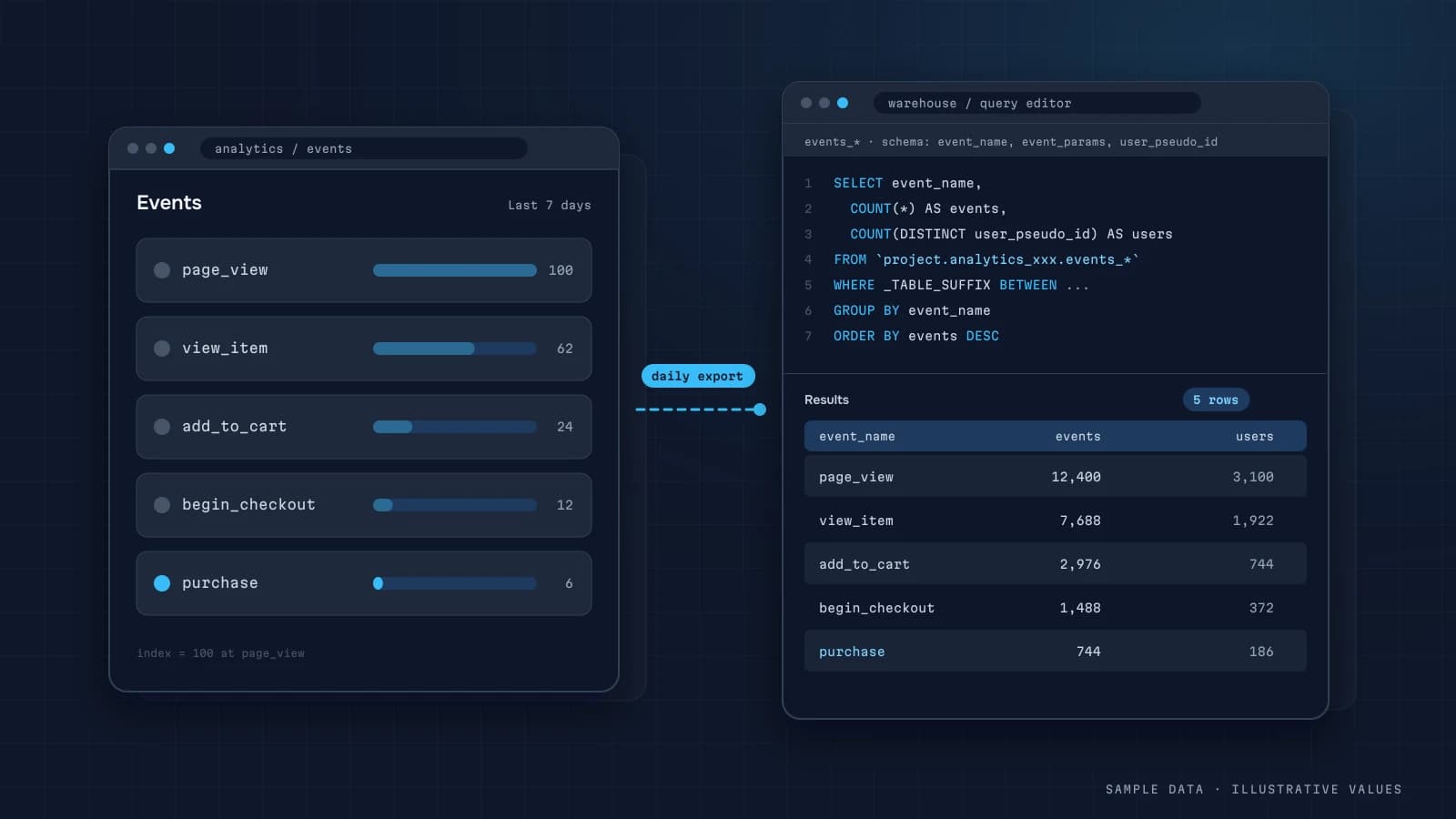
- BigQuery export enabled (guide)
2. Events and conversions
- Key events marked as key events
- No duplicate
purchase/generate_lead transaction_idis uniquevalueandcurrencysent correctly- Ecommerce events follow the standard schema (ecommerce tracking)
- Events verified in DebugView
- Event names consistent (snake_case, no duplicates)
3. Tag manager
- No stale or duplicate tags
- Tags fire on the right triggers
- Container has documentation and owners
- Published versions have notes
4. Consent and privacy
- Consent banner meets the requirements of your markets
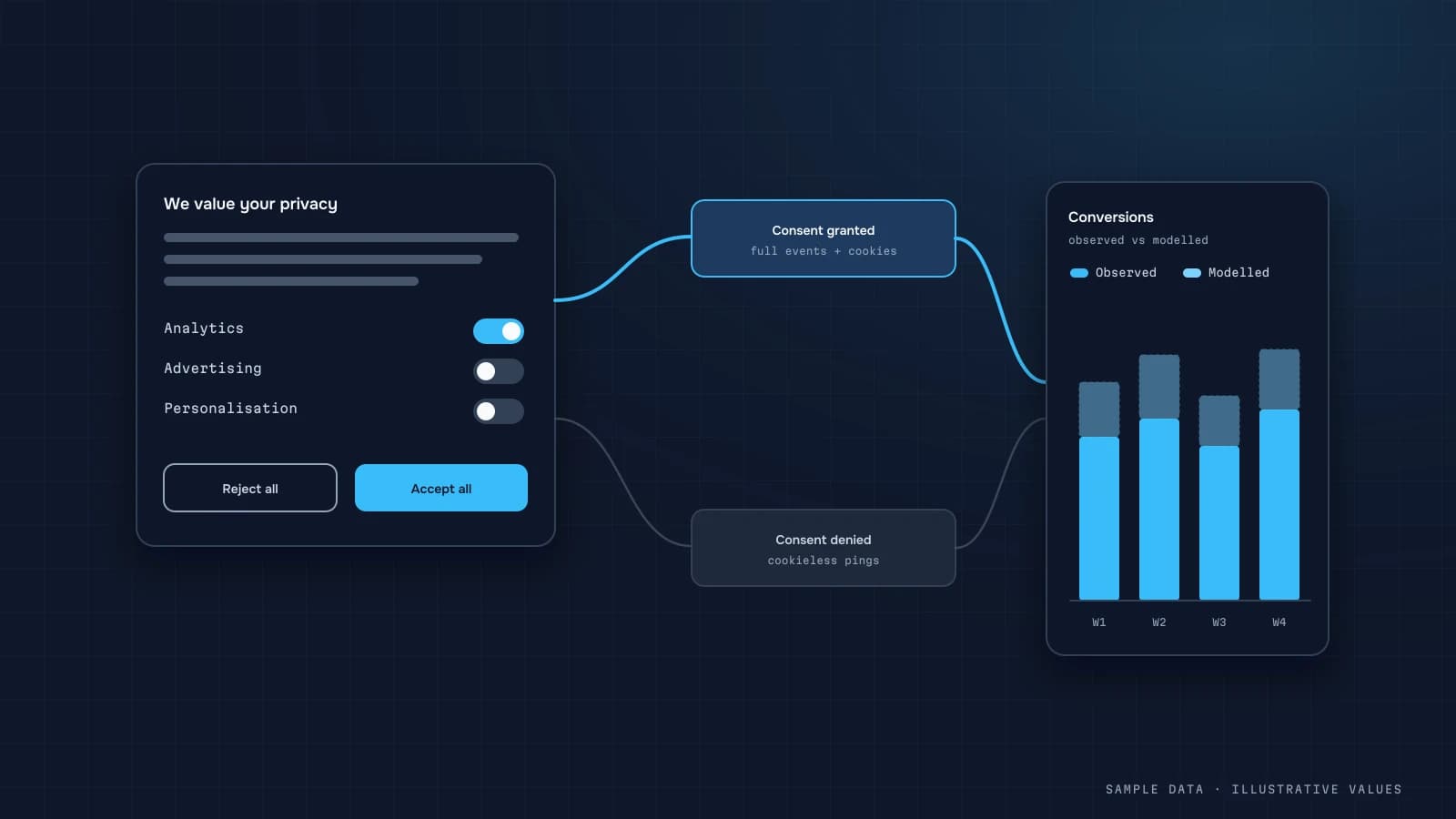
- Consent mode passes the consent state (consent mode)
- Tags don't fire before consent where that's required
- Privacy policy is up to date
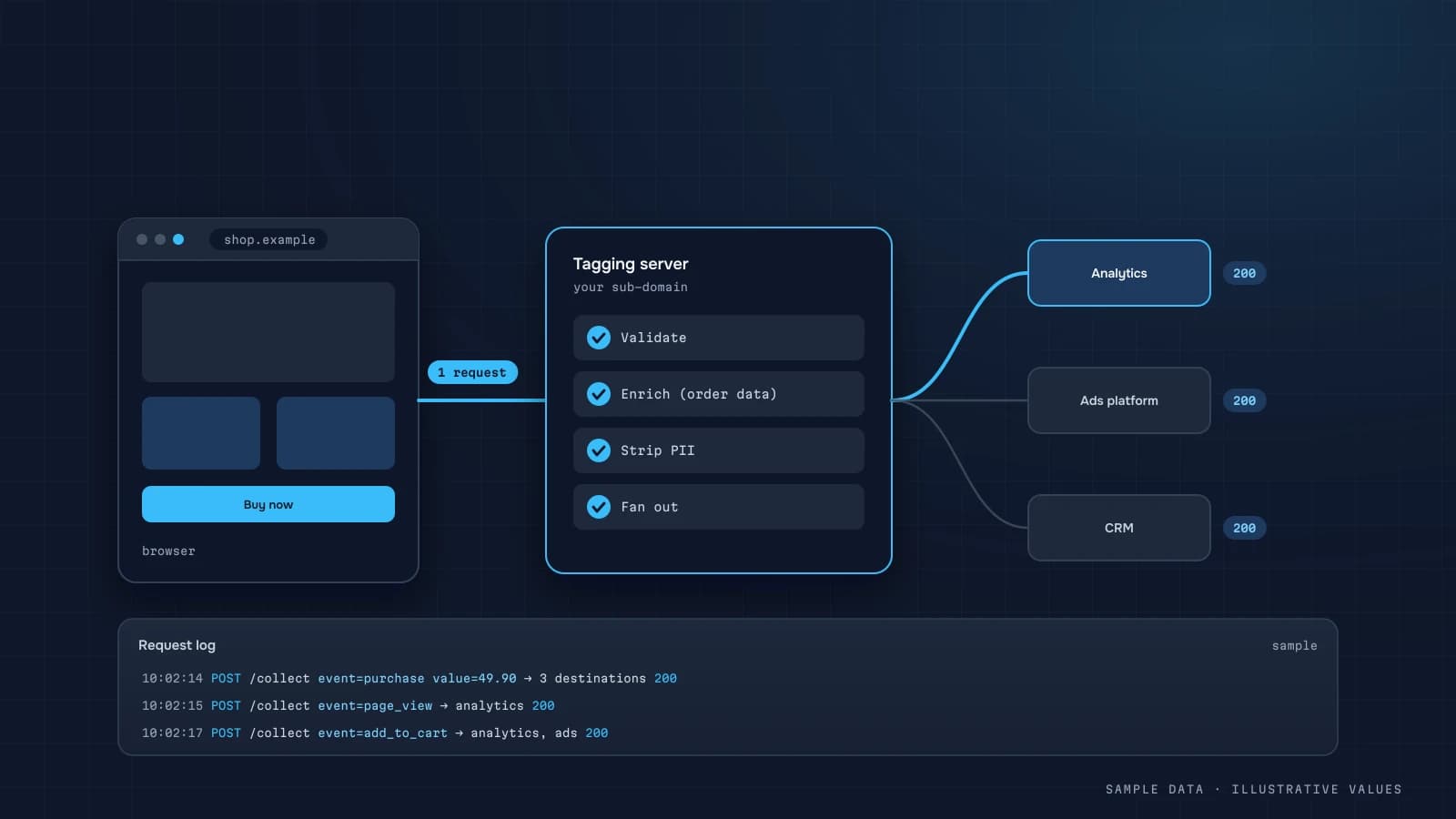
- No personal data (email, phone) in URLs or event parameters
5. UTMs and sources
- A single UTM convention exists (UTM rules)
- Ad platforms tag links automatically
- (direct)/(not set) share is reasonable and explained
- Email and messenger campaigns are tagged
6. Reconciling with CRM and payments
- GA4 vs CRM order count reconciled (discrepancies)
- GA4 vs payment provider revenue reconciled
- Refunds accounted for
- Offline and phone sales have a source
- Lead statuses fed back to ad platforms (if needed)
7. Advertising
- Platform conversions are the same events as in GA4
- No double counting across platforms
- Spend for all channels collected in one place (unified report)
- Attribution windows documented
8. Data and dashboards
- A metric glossary with formulas exists
- One source dataset feeds every report
- Refreshes are automated, with failure monitoring
- Access granted by role
- Every key report has an owner
Fix priorities
| Priority | What | Example |
|---|---|---|
| Critical | distorts money | duplicate purchase, refunds missing |
| High | distorts sources | missing UTMs, payment referrals not excluded |
| Medium | blocks analysis | 2-month retention, no export |
| Low | hygiene | tag names, documentation |
Audit report template
- Summary: the 3–5 main issues and their impact.
- The checklist table with statuses.
- A fix plan with time estimates.
- What will change in reports after the fixes (e.g. "GA4 revenue will move closer to CRM").
Once the fixes are in, the data is ready for a business dashboard.
Queries that speed up the audit
If the BigQuery export is enabled, several checklist items take one query each.
Duplicate purchases:
SELECT ecommerce.transaction_id, COUNT(*) AS events
FROM `project.analytics_123456.events_*`
WHERE _TABLE_SUFFIX BETWEEN '20260901' AND '20260930' AND event_name = 'purchase'
GROUP BY 1 HAVING COUNT(*) > 1
ORDER BY events DESC;
Purchases with missing or zero value:
SELECT COUNTIF(ecommerce.purchase_revenue IS NULL OR ecommerce.purchase_revenue = 0) AS bad,
       COUNT(*) AS total
FROM `project.analytics_123456.events_*`
WHERE _TABLE_SUFFIX BETWEEN '20260901' AND '20260930' AND event_name = 'purchase';
Share of sessions without a source:
SELECT COALESCE(collected_traffic_source.manual_source, '(none)') AS source,
       COUNT(DISTINCT CONCAT(user_pseudo_id,
             CAST((SELECT value.int_value FROM UNNEST(event_params) WHERE key = 'ga_session_id') AS STRING))) AS sessions
FROM `project.analytics_123456.events_*`
WHERE _TABLE_SUFFIX BETWEEN '20260901' AND '20260930' AND event_name = 'session_start'
GROUP BY 1 ORDER BY sessions DESC;
Payment provider domains showing up as referrers (the self-referral problem):
SELECT collected_traffic_source.manual_source AS source, COUNT(*) AS events
FROM `project.analytics_123456.events_*`
WHERE _TABLE_SUFFIX BETWEEN '20260901' AND '20260930'
  AND REGEXP_CONTAINS(LOWER(collected_traffic_source.manual_source), r'pay|liqpay|stripe|paypal|wayforpay|fondy')
GROUP BY 1 ORDER BY events DESC;
Without the export, the same checks can be done in GA4 explorations, only more slowly.
Worked example: an audit summary
Illustrative findings for a store, in the order they'd appear in the report:
| # | Finding | Impact | Effort | Priority |
|---|---|---|---|---|
| 1 | purchase fires twice on thank-you page reload (~4% of orders) | revenue and ROAS inflated | 1 h | Critical |
| 2 | Refunds never sent to GA4 | GA4 revenue ~3% above kept revenue | 4 h (server event) | Critical |
| 3 | Payment provider not in unwanted referrals; 9% of purchases attributed to it | channel reports wrong | 15 min | High |
| 4 | Meta campaigns tagged with three spellings of source | Meta split across rows | 2 h + convention | High |
| 5 | Data retention at 2 months | explorations can't go back further | 2 min | Medium |
| 6 | 14 unused tags in GTM | maintenance risk, page weight | 2 h | Low |
Summary for the owner: "Revenue in GA4 is currently overstated by about 7% (duplicates plus missing refunds), and around a tenth of sales are attributed to the payment page instead of the real channel. Items 1–3 can be fixed this week in under a day of work. After that, channel reports can be used for budget decisions."
Scoring priorities
When the list is long, a simple score keeps the conversation objective:
Priority score = impact (1–5) × confidence (1–3) / effort (1–5)
Impact is what the issue distorts (money is 5, sources 4, behaviour 3, hygiene 1). Confidence is how sure you are it's real and fixable as described. Effort is a rough size. Sort by score, but always fix anything that distorts revenue first, whatever its score.
A two-week audit plan
| Days | Work |
|---|---|
| 1–2 | access, inventory of tags and properties, interviews: which decisions rely on which reports |
| 3–5 | checklist blocks 1–5, test purchases, DebugView |
| 6–7 | reconciliation with CRM and payments (how) |
| 8 | ad platforms: conversions, windows, double counting |
| 9 | data and dashboards: definitions, refresh, owners |
| 10 | report: summary, findings table, fix plan, expected changes in the numbers |
For a small site with one domain and few integrations it often takes less. For several domains, apps and markets, more.
The findings that come up most often
Across audits, the same handful of problems show up again and again. If you're short on time, check these first:
- Purchases that fire before payment. The tag sits on "order placed", so failed and abandoned payments count as revenue. Move it to payment confirmation, or to the server.
- Self-referrals from payment pages. Customers return from the payment provider and start a new session attributed to it. Add the provider's domains to the unwanted referrals list.
- No refunds in GA4. Revenue never goes down, so ROAS looks better every month the return rate grows.
- Internal traffic included. The team testing the site, managers placing phone orders through the site: small in volume, but they distort conversion rate on low-traffic stores.
- UTM chaos. The same channel under many spellings, plus internal links tagged with UTMs that overwrite real sources.
- Nobody owns the setup. GTM containers with tags from three former agencies, and no one who knows which ones still matter.
None of these needs a new tool. They need someone to check, fix and write down what was done. That's why the audit report should end with a short "what we changed and when" log. The next time a number jumps, that log is the first place to look.
After the audit
Schedule a light re-check in three months: rerun the queries above, confirm the fixes still hold after site releases, and review new tags and campaigns. Tracking erodes with every release. A quarterly 2-hour check is far cheaper than another full audit a year later.
FAQ
How often should I audit?
Do a full audit once a year, or after a redesign or a platform or CRM change. Reconcile with the CRM monthly.
How long does it take?
For a typical site with GA4, GTM and 2–3 ad channels, usually a few days of work, depending on the number of domains and integrations.
Can I do it myself?
Yes, the checklist above lets you. The hard part is reconciling with the CRM and tracking down why the numbers differ, and that's where experience helps.
What if historical data is wrong?
Fix tracking from now on, document the date of the change, and if needed rebuild history in the warehouse from CRM data.

DATUMPANEL — Business data analytics
DATUMPANEL is an independent data analyst based in Ukraine. I build dashboards for business owners, set up GA4 and the BigQuery export, and run data pipelines and Telegram auto-reports for e-commerce, service businesses, SaaS and agencies, from data audit to decisions.