GA4 ecommerce tracking setup: events, parameters and QA
A step-by-step GA4 ecommerce setup covering the recommended events from view_item to purchase and refund, required parameters, the dataLayer, and QA in DebugView and BigQuery.
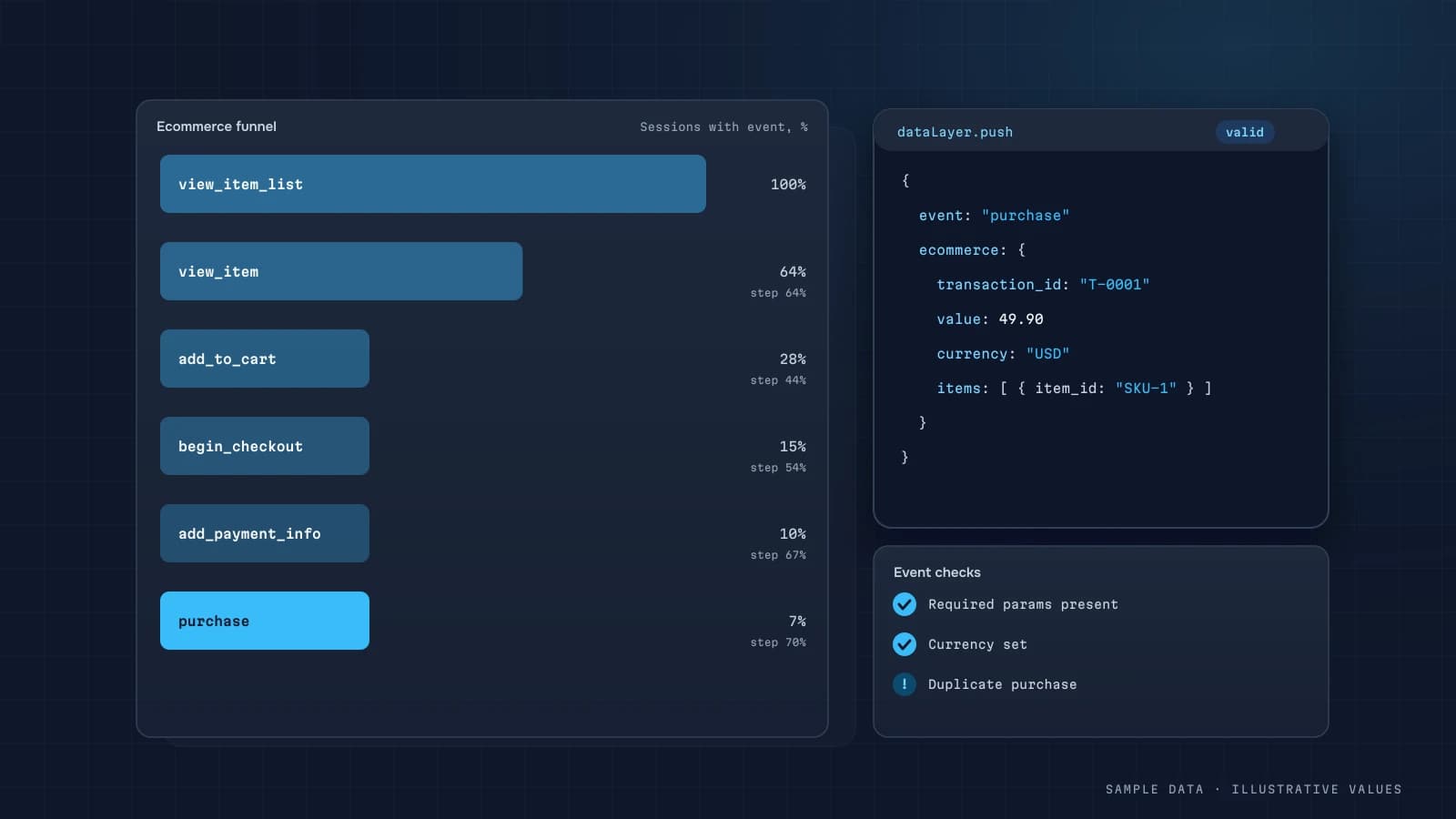
A good store dashboard depends on correct GA4 ecommerce events. Most audits I run turn up the same problems: purchase fires twice, transaction_id is missing, the price arrives as a string with a currency symbol in it, and items is empty. This article shows how to set things up so the data is actually usable.
The events you need
Google documents the recommended events in its ecommerce guide and in the recommended events list. The minimum working set:
| Event | When | Priority |
|---|---|---|
view_item_list | product list shown (category, search) | medium |
select_item | product clicked in a list | medium |
view_item | product page | high |
add_to_cart | added to cart | high |
remove_from_cart | removed from cart | low |
view_cart | cart viewed | medium |
begin_checkout | checkout started | high |
add_shipping_info | shipping chosen | medium |
add_payment_info | payment method chosen | medium |
purchase | order placed/paid | critical |
refund | refund issued | recommended |
Required parameters
For purchase:
| Parameter | Example | Gotcha |
|---|---|---|
transaction_id | "100245" | same ID as your backend; without it you get duplicates |
value | 158.00 | a number, no currency symbol |
currency | "USD" | ISO code; without it value is ignored |
shipping | 7 | optional |
tax | 12.64 | optional |
coupon | "AUTUMN10" | for promo analysis |
items | array of products | at least item_id or item_name |
Each item should carry item_id, item_name, price and quantity, and ideally item_brand, item_category and item_variant too.
Example dataLayer push
dataLayer.push({ ecommerce: null }); // clear the previous object
dataLayer.push({
  event: 'purchase',
  ecommerce: {
    transaction_id: '100245',
    value: 158.00,
    currency: 'USD',
    shipping: 7,
    coupon: 'AUTUMN10',
    items: [
      { item_id: 'SKU-881', item_name: 'Travel mug 450 ml', item_category: 'Kitchen', price: 75.50, quantity: 2 }
    ]
  }
});Where to fire purchase
The usual culprit is the thank-you page. When purchase fires there:
- it fires again on reloads and when the user returns from the confirmation email;
- it never fires if payment completed on a hosted page and the user closed the tab before the redirect;
- ad blockers stop it.
My setup:
- Fire
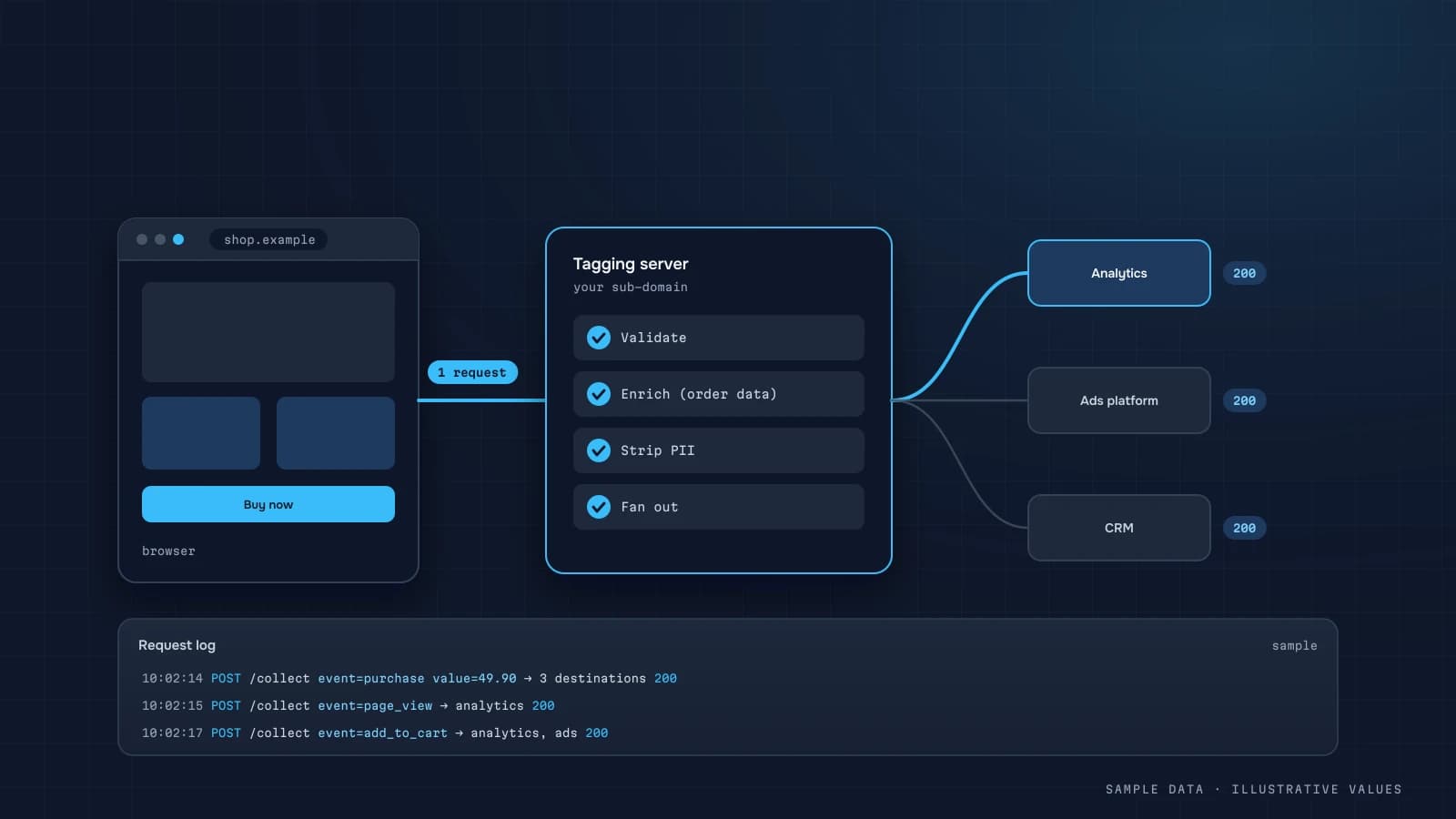
purchaseon the frontend when the order is created, withtransaction_id, and guard against repeats (a flag keyed by order ID in localStorage or a cookie). - For paid online orders, send a server-side confirmation through the Measurement Protocol after the payment webhook (server-side tracking). GA4 de-duplicates on
transaction_idwithin a property. - Send refunds from the backend as
refundevents.
Platforms
- Shopify: the native Google channel sends ecommerce events. Make sure GTM isn't firing the same events a second time.
- WooCommerce: plugins vary a lot in quality, so check
itemsandtransaction_id. - Custom builds: dataLayer + GTM, as shown above.
QA
- GTM Preview + GA4 DebugView: walk from category page to payment and check every event and parameter.
- Monetisation → Ecommerce purchases report: are item names populated?
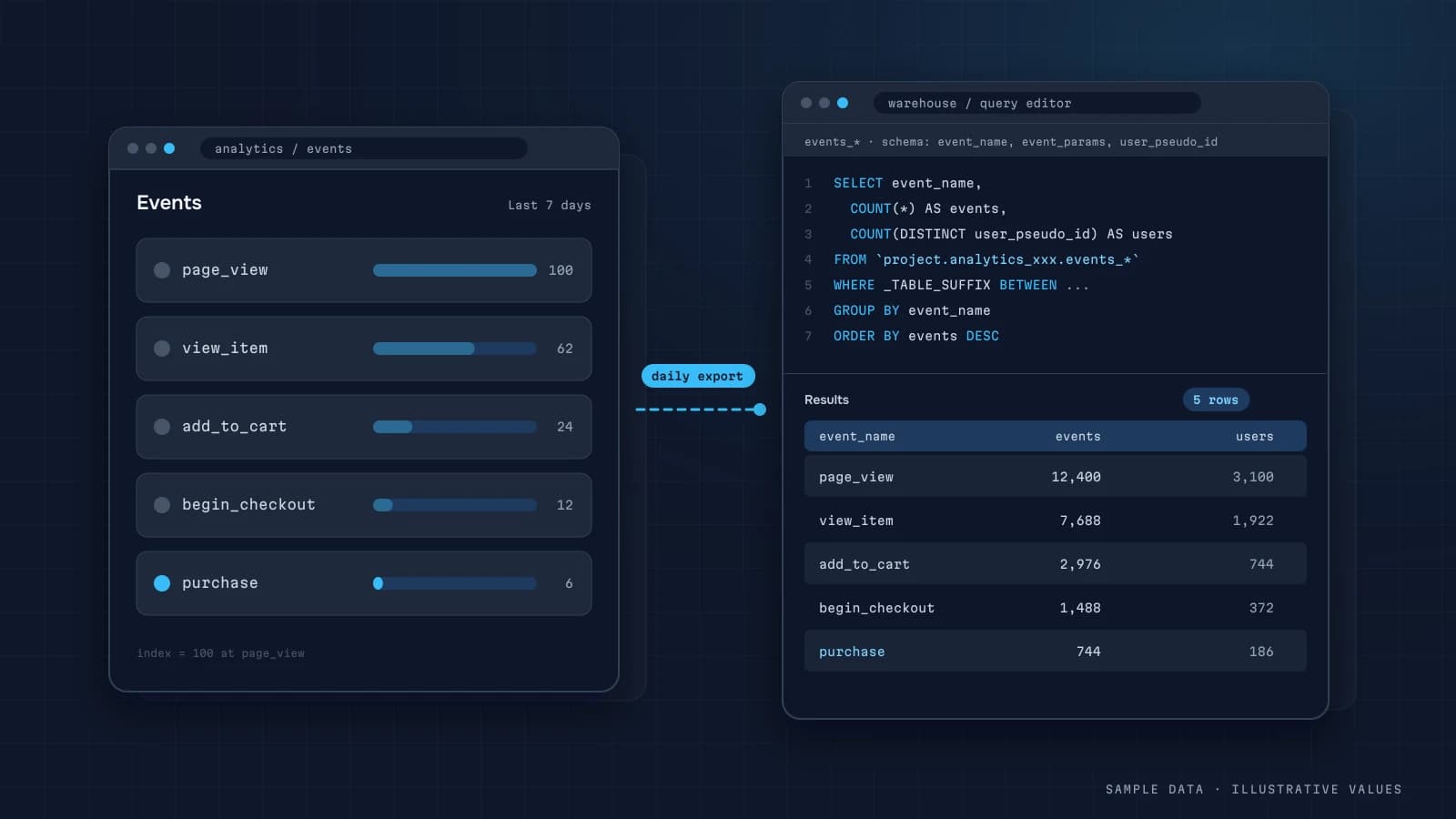
- BigQuery: query for duplicate
transaction_ids and emptyitems(GA4 export). - Weekly reconciliation with the backend on order count and revenue. A gap of a few percent is normal. Anything bigger needs a root cause (GA4 vs CRM discrepancies).
SELECT event_date,
       COUNTIF(ecommerce.transaction_id IS NULL) AS no_tid,
       COUNTIF(ARRAY_LENGTH(items) = 0) AS no_items,
       COUNT(*) AS purchases
FROM `project.analytics_123456789.events_*`
WHERE _TABLE_SUFFIX >= '20261001' AND event_name = 'purchase'
GROUP BY 1 ORDER BY 1;Common mistakes
valueincluding tax on some orders and excluding it on others.- Different
item_ids for the same product (SKU in one place, internal ID in another). - Not clearing
ecommercebefore a new push, so parameters leak between events. - Missing currency, so GA4 drops the amounts.
- Test orders landing in the production property.
Checklist
- Every funnel event from
view_itemtopurchaseis in place transaction_id= the backend order IDvalueis numeric andcurrencyis an ISO codeitemsuses consistentitem_ids across events- Repeat
purchasefiring is blocked - Paid orders are confirmed server-side
- Refunds are sent as
refund - Weekly reconciliation with the backend
Step by step: implementing purchase via the dataLayer
The cleanest setup for most stores is a dataLayer push from the order confirmation page (or better, from the code that confirms payment) and a GA4 event tag in Google Tag Manager that reads it. The structure follows Google's ecommerce documentation:
window.dataLayer = window.dataLayer || [];
dataLayer.push({ ecommerce: null });          // clear the previous ecommerce object
dataLayer.push({
  event: "purchase",
  ecommerce: {
    transaction_id: "100245",                  // same ID your backend stores
    value: 1840.00,                            // decide: with or without shipping/VAT, and document it
    currency: "UAH",
    shipping: 90.00,
    tax: 0,
    coupon: "AUTUMN10",
    items: [
      { item_id: "SKU-118", item_name: "Linen shirt", item_category: "Shirts",
        price: 875.00, quantity: 2, discount: 0 },
      { item_id: "SKU-402", item_name: "Canvas belt", item_category: "Accessories",
        price: 90.00, quantity: 1 }
    ]
  }
});
Rules that save hours later:
- Push
ecommerce: nullfirst. Without it, items from a previous event can merge into the next one on single-page sites. - Fire purchase once. Guard against reloads of the thank-you page, for example by storing the transaction ID in
sessionStorageand skipping the push if it's already there. GA4 also de-duplicates bytransaction_id, but don't rely on that alone. - Keep
valueconsistent with your definition. Ifvalueincludes shipping on the site but your CRM revenue doesn't, the gap will be permanent. Write the choice down. - Use the same
item_idas your product catalogue, so product reports join cleanly with costs and stock.
The full funnel in practice
| Step | Event | Where it fires | Typical pitfall |
|---|---|---|---|
| Product list view | view_item_list | category/search pages | firing for every scroll, inflating counts |
| Product view | view_item | product page | variants missing item_variant |
| Add to cart | add_to_cart | button click or cart API success | firing on click even when the add fails |
| Begin checkout | begin_checkout | first checkout step | missing on one-page checkouts |
| Shipping/payment info | add_shipping_info, add_payment_info | checkout steps | skipped entirely, so you can't see where people drop |
| Purchase | purchase | confirmed payment | fired before payment, counting failed payments |
| Refund | refund | backend, when processed | never sent, so revenue in GA4 stays inflated |
Fire add_to_cart on the cart API's success response, not the button click, and purchase on payment confirmation, not on "order placed." Both mistakes inflate the funnel in ways that look like real behaviour.
QA: a 20-minute test before every release
- Open GA4 DebugView and enable the debug mode (Tag Assistant or the
debug_modeparameter) - Go through the whole funnel with a real test order
- Check every event fires once, with
currency,valueand a non-emptyitemsarray - Confirm
transaction_idmatches the order number in the admin - Reload the thank-you page: no second
purchase - Pay with a method that redirects to an external page, and check purchase still fires (or comes from the server; see server-side tracking)
- Refund the test order and check the
refundevent arrives
Validating with SQL after launch
If the BigQuery export is on, compare GA4 purchases with backend orders daily:
WITH ga AS (
  SELECT ecommerce.transaction_id AS order_id, MIN(event_date) AS day
  FROM `project.analytics_123456.events_*`
  WHERE _TABLE_SUFFIX BETWEEN @from AND @to AND event_name = 'purchase'
  GROUP BY 1
)
SELECT o.order_date,
       COUNT(*) AS backend_orders,
       COUNTIF(ga.order_id IS NOT NULL) AS seen_in_ga4,
       SAFE_DIVIDE(COUNTIF(ga.order_id IS NOT NULL), COUNT(*)) AS coverage
FROM clean.orders o
LEFT JOIN ga ON ga.order_id = o.order_id
WHERE o.status = 'paid' AND o.order_date BETWEEN @from_date AND @to_date
GROUP BY 1 ORDER BY 1;
Coverage below 100% is normal because of consent and blockers. A sudden drop on a specific day usually means a release broke the tag. That's why this query belongs in daily monitoring.
Keeping it working after launch
Tracking rarely breaks on launch day. It breaks three months later, when someone redesigns the checkout, adds a payment method or migrates the theme. Three habits prevent most of that:
- Add the QA list above to the release checklist for any change touching product pages, cart or checkout.
- Monitor coverage daily with the SQL above, and alert when it drops more than ~10 points below its usual level.
- Keep a tracking spec: one table listing each event, where it fires, its parameters and an example payload. Developers can then change the site without guessing what the analytics depends on.
FAQ
Can I set up GA4 ecommerce without a developer?
Partly, through platform integrations. Reliable data (dataLayer, de-duplication, server-side events) usually takes a few developer hours working from an analyst's spec.
GTM or gtag.js?
GTM is easier to manage and test without site releases. gtag.js is simpler when you have few events and your own developers.
Why does GA4 show fewer purchases than my store?
Ad blockers, declined cookies, hosted payment pages with no return to the site, and phone orders. There's a separate article on this.
Should I send cancellations?
Send refunds as refund. Orders cancelled before payment are easier to handle in the backend than in GA4.

DATUMPANEL — Business data analytics
DATUMPANEL is an independent data analyst based in Ukraine. I build dashboards for business owners, set up GA4 and the BigQuery export, and run data pipelines and Telegram auto-reports for e-commerce, service businesses, SaaS and agencies, from data audit to decisions.