AppsFlyer attribution: OneLink, SKAN and a revenue dashboard
How install attribution works in AppsFlyer, what OneLink does for web-to-app journeys, what changed on iOS after ATT, and how to join MMP data with subscriptions and events to get CAC and LTV by channel.
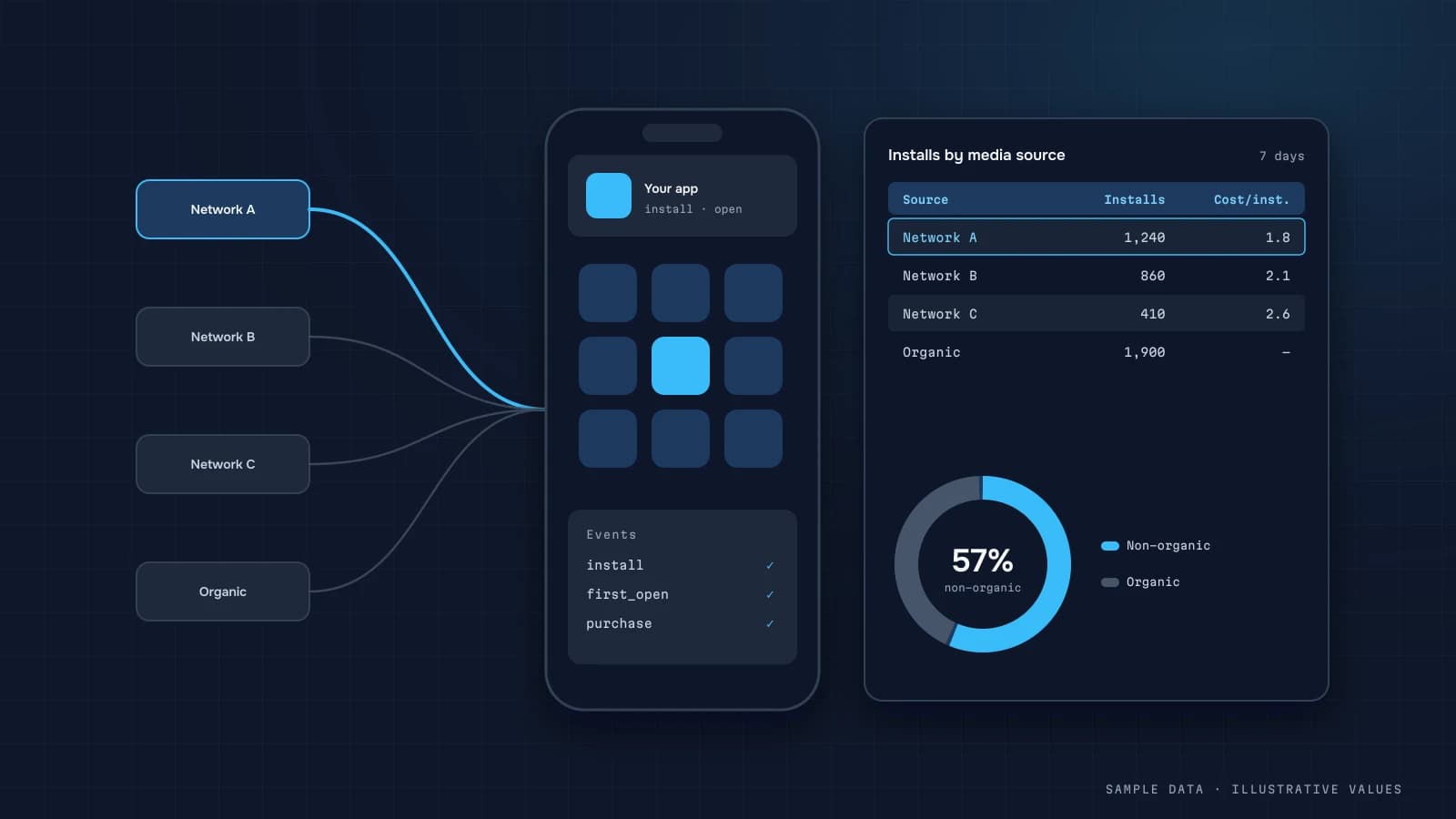
For a mobile app, "where did this user come from?" is a harder question than for a website. Between the ad click and the first launch sits an app store that doesn't pass UTMs along. Mobile measurement partners (MMPs) fill that gap, and AppsFlyer is one of the most widely used.
What an MMP does
- Install attribution: it matches installs to ad clicks or views across networks (Meta, Google, TikTok, Apple Search Ads and others).
- In-app events: signup, trial, subscription and purchase, each tied back to the install source.
- Deep linking: links that open the right screen in the app.
- Postbacks: conversion signals sent back to ad networks for optimisation.
- Fraud protection: filtering out suspicious installs.
OneLink: the bridge from web to app
A OneLink is an AppsFlyer link that:
- opens the app on mobile if it's installed, or sends the user to the right store;
- opens the right screen after install (deferred deep linking);
- keeps the campaign parameters for attribution.
The practical use: "Get the app" buttons on your website. Make every button a OneLink with placement parameters (homepage banner, product page, footer) and you'll see how many installs the site drives and which placements work. Track those clicks as a GA4 event too, and you get the full funnel: web session → OneLink click → install → subscription.
iOS: ATT and SKAdNetwork
Since App Tracking Transparency, user-level attribution on iOS only works with consent. Everything else goes through SKAdNetwork (SKAN), Apple's aggregated, delayed postbacks with limited detail. What that means for analytics:
- part of your iOS installs arrive without granular attribution, or late;
- SKAN conversion values are encoded in a limited value set, so design the schema up front;
- don't compare iOS and Android head-on on CPI and ROAS, because they're measured differently.
What to join in the dashboard
| Data | Source |
|---|---|
| Installs by media source and campaign | AppsFlyer (raw data or aggregates) |
| Spend | ad platforms or the MMP's cost integrations |
| Subscriptions, revenue | App Store / Google Play, your billing, or MMP events |
| In-app behaviour | Firebase / GA4 → BigQuery |
| Web clicks on OneLinks | GA4 (event) + AppsFlyer (attribution) |
| Crashes | Crashlytics |
The join key is your in-app customer user ID, passed to AppsFlyer, to billing and to Firebase. Without it, connecting installs to revenue is close to impossible.
Metrics by channel
| Metric | Formula |
|---|---|
| CPI | spend / installs |
| Cost per trial / subscriber | spend / trials (subscribers) |
| Trial → paid | paid / trials, by install cohort |
| ROAS D7 / D30 | cohort revenue at 7/30 days / spend |
| LTV by channel | cumulative cohort revenue (or margin) |
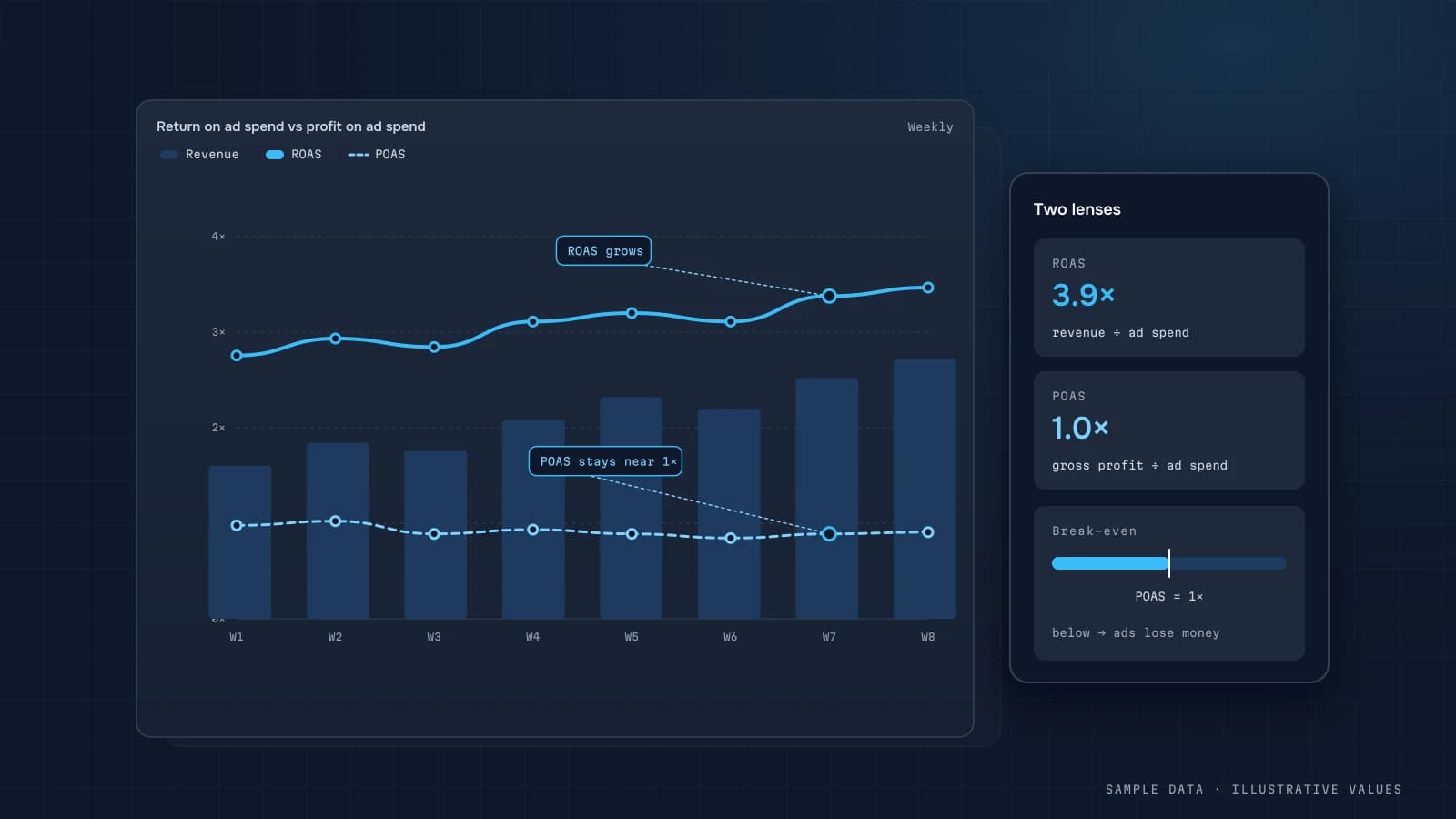
App ROAS is always cohort-based: revenue is counted from the install date (cohort analysis). For subscriptions, deduct the store commission, because gross and net revenue differ a lot.
A typical "App marketing" view
- KPIs: installs, CPI, new subscribers, ROAS D30;
- a media-source table with spend, installs, trials, subscribers and ROAS;
- iOS and Android shown separately;
- a "Web → app" block: OneLink clicks by placement and the installs they drove;
- D1/D7/D30 retention cohorts by source.
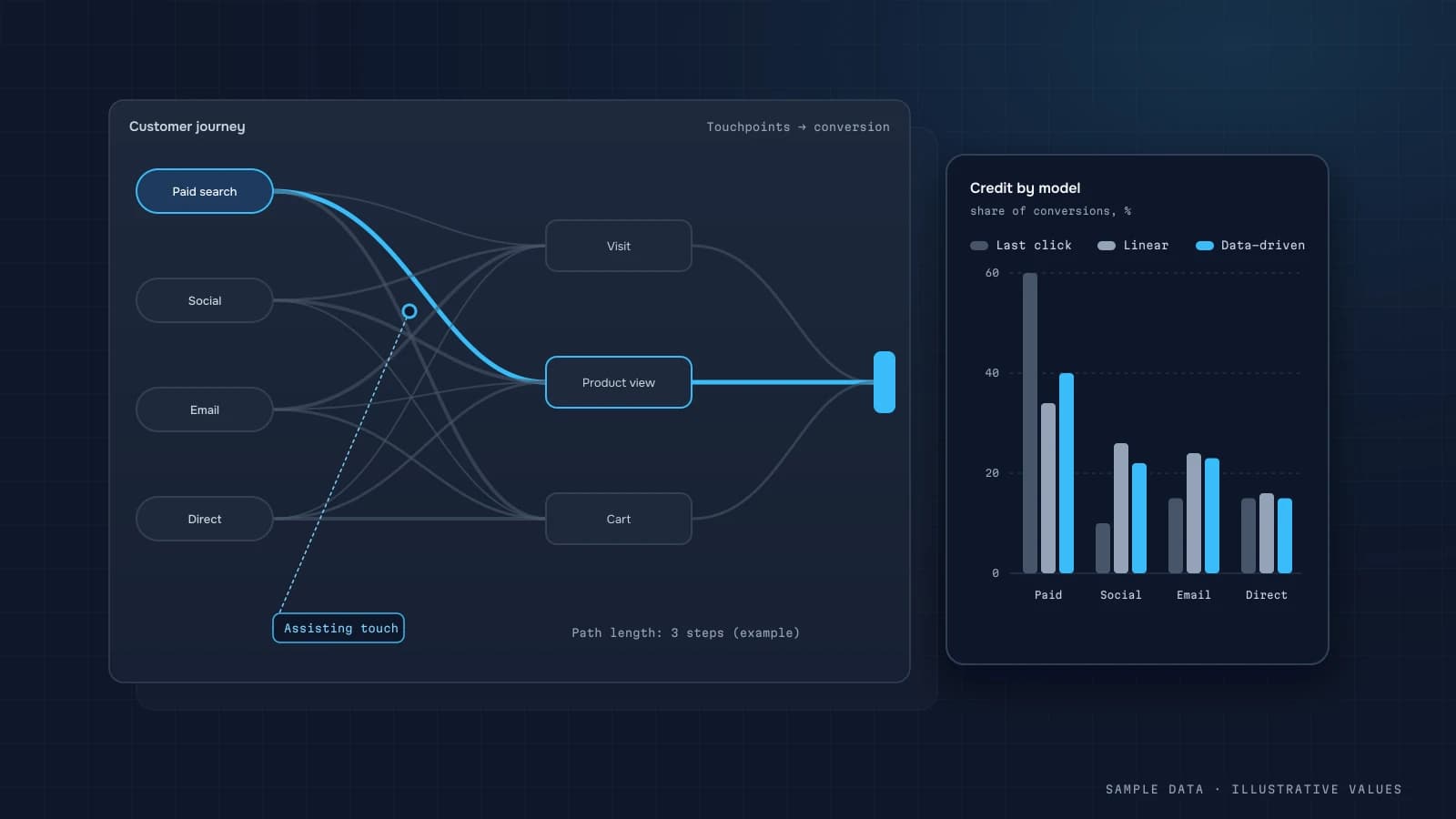
The full product metric set is in SaaS & app metrics. The general model logic is in the attribution guide.
Common mistakes
- Not passing a customer user ID, which leaves no link to revenue.
- Comparing iOS and Android CPI head-on.
- Calculating ROAS by purchase date instead of install cohort.
- Website buttons that link straight to the store without OneLink, so the website is invisible as a channel.
- Leaving store commissions out of LTV.
Checklist
- AppsFlyer SDK integrated, in-app events agreed with the product team
- Customer user ID passed to the MMP, billing and analytics
- SKAN conversion value schema designed
- Every "Get the app" button on the site is a OneLink with placement parameters
- OneLink clicks tracked in GA4
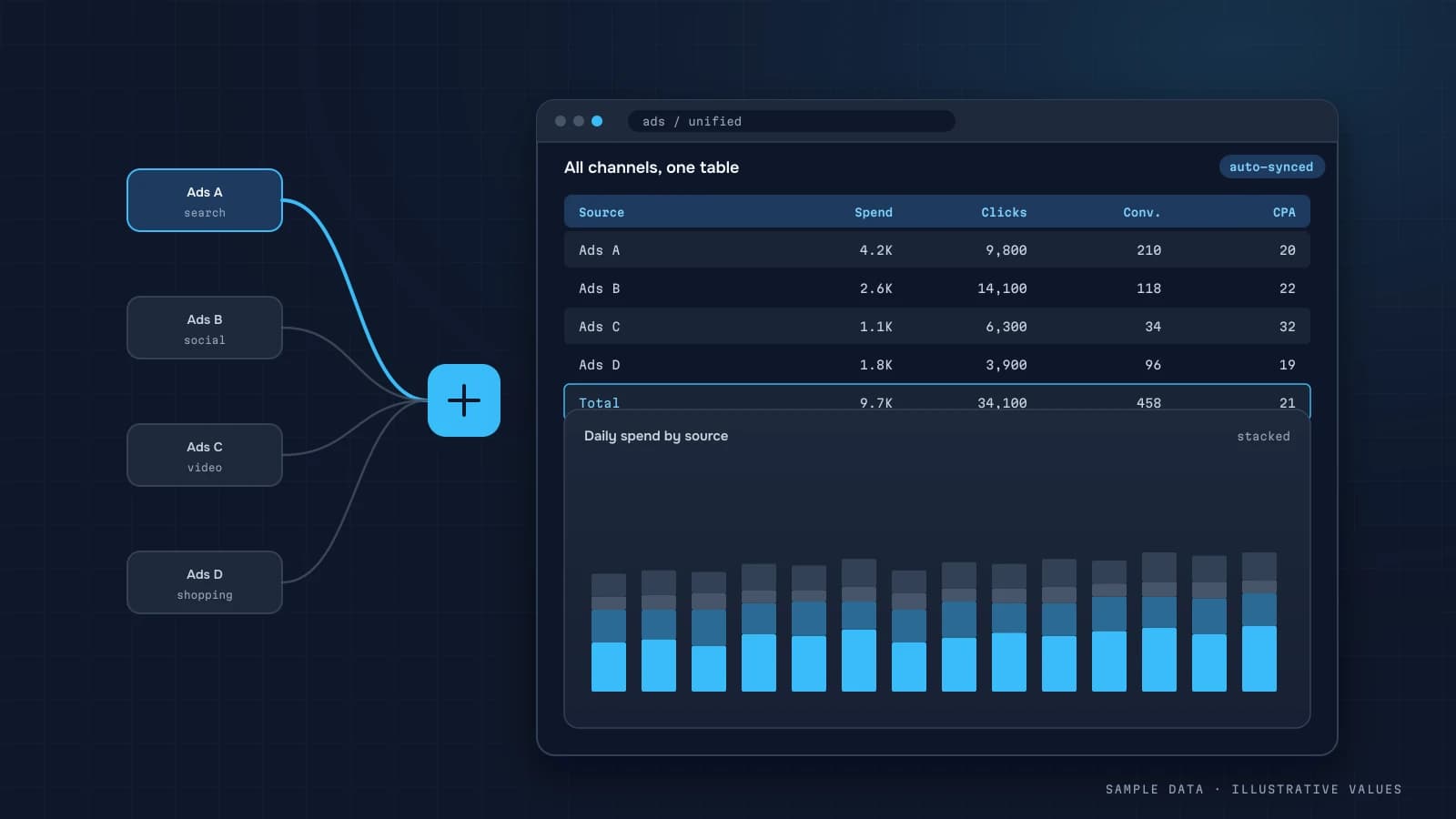
- Spend from all networks in one table
- ROAS and LTV cohort-based and net of commissions
Step by step: getting MMP data into your own warehouse
An MMP's dashboard answers "which campaign brought the install." Business questions such as revenue per install cohort, payback by channel and margin need the data next to your backend. The usual path:
- Pick the export method. AppsFlyer offers aggregated reporting APIs and raw-data exports (raw data and data-locker style deliveries depend on your plan; check the AppsFlyer help center for what your contract includes).
- Load daily aggregates by date, media source, campaign and country: installs, cost (if cost data is connected), in-app events and revenue.
- Load raw installs and in-app events if available, with the AppsFlyer ID and your own customer user ID (
customer_user_id), so you can join to backend users. - Set your own customer user ID in the SDK at login or signup. Without it, joining MMP data to backend revenue is guesswork.
- Join to backend revenue (subscriptions, purchases, refunds) by customer user ID and compute cohorts by install date and media source.
Worked example: install cohorts by channel
Illustrative subscription app, installs from one month, revenue from the backend net of store fees and refunds:
| Media source | Installs | Cost | CPI | Trial starts | Paying by day 30 | Net revenue by day 90 | Day-90 ROAS |
|---|---|---|---|---|---|---|---|
| Apple Search Ads | 4,000 | 8,000 | 2.00 | 600 | 160 | 9,600 | 1.20 |
| Meta | 12,000 | 18,000 | 1.50 | 1,100 | 230 | 12,400 | 0.69 |
| TikTok | 15,000 | 12,000 | 0.80 | 900 | 140 | 6,300 | 0.53 |
| Organic | 9,000 | — | — | 1,000 | 260 | 15,000 | — |
The cheapest installs aren't the most valuable. Apple Search Ads costs 2.5× more per install than TikTok but returns more than its cost within 90 days. If you're optimising toward CPI, budget flows in the wrong direction. Day-90 ROAS needs a 90-day-old cohort, so report a rolling set of mature cohorts and use early signals (trial starts, day-7 paying users) for quicker reads.
SQL: day-N ROAS by media source
WITH inst AS (
  SELECT customer_user_id, media_source, DATE(install_time) AS install_date
  FROM clean.af_installs
  WHERE customer_user_id IS NOT NULL
),
rev AS (
  SELECT i.media_source, i.install_date,
         SUM(IF(DATE_DIFF(DATE(p.paid_at), i.install_date, DAY) < 90, p.net_amount, 0)) AS rev_d90
  FROM inst i JOIN clean.payments p ON p.user_id = i.customer_user_id
  GROUP BY 1, 2
)
SELECT r.media_source, DATE_TRUNC(r.install_date, MONTH) AS cohort,
       SUM(r.rev_d90) AS rev_d90, SUM(c.cost) AS cost,
       SAFE_DIVIDE(SUM(r.rev_d90), SUM(c.cost)) AS roas_d90
FROM rev r
JOIN mart.af_cost_daily c ON c.media_source = r.media_source AND c.day = r.install_date
WHERE r.install_date < DATE_SUB(CURRENT_DATE(), INTERVAL 90 DAY)
GROUP BY 1, 2;
Join cost at day-and-source level as shown, or aggregate both sides to the cohort level first, to avoid multiplying cost by the number of paying users.
iOS realities
On iOS, campaign-level data for users who didn't allow tracking comes from Apple's SKAdNetwork / AdAttributionKit. It's aggregated, delayed and limited by privacy thresholds, so day-N ROAS by campaign on iOS will always be partial. Practical approach:
- Use SKAN conversion values mapped to your most predictive early event (for example a trial start or first purchase)
- Compare channels at the media-source level on iOS, campaign level only where data allows
- Validate with incrementality tests for your largest iOS channels, see the attribution guide
FAQ
Do I need AppsFlyer if I already use Firebase?
Firebase tracks behaviour well. Cross-network install attribution and postbacks for paid campaigns are usually the MMP's job, so for apps with paid acquisition an MMP is close to essential.
Why doesn't AppsFlyer match Meta or Google Ads?
Different windows and rules, view-through attribution and SKAN on iOS. For cross-channel decisions, pick one referee (the MMP) and keep its limits in mind.
How do I measure installs driven by my website?
Put OneLinks with placement parameters on every website button and banner, and track the clicks in GA4.
Can I export AppsFlyer raw data to BigQuery?
Yes. Depending on your plan, raw data reports and warehouse integrations are available, which lets you join attribution with revenue at user level.

DATUMPANEL — Business data analytics
DATUMPANEL is an independent data analyst based in Ukraine. I build dashboards for business owners, set up GA4 and the BigQuery export, and run data pipelines and Telegram auto-reports for e-commerce, service businesses, SaaS and agencies, from data audit to decisions.